



Origin : Mainland China
Certification : CE,FCC,RoHS
Wire or Wireless : Wire
Alarm Type : Vehicle Backup Cameras,Front,Front Side,Rear Side
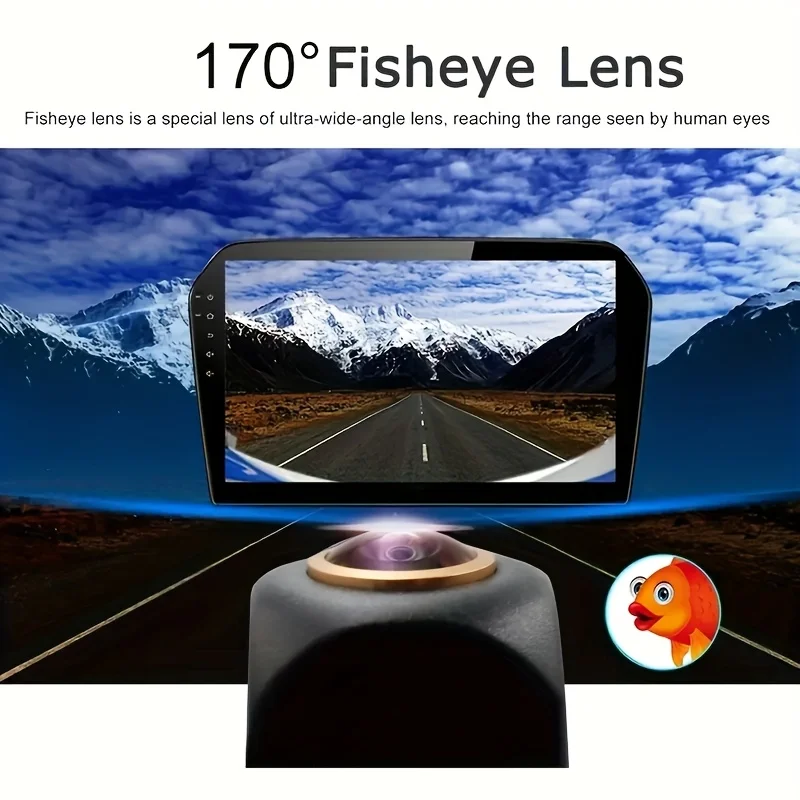
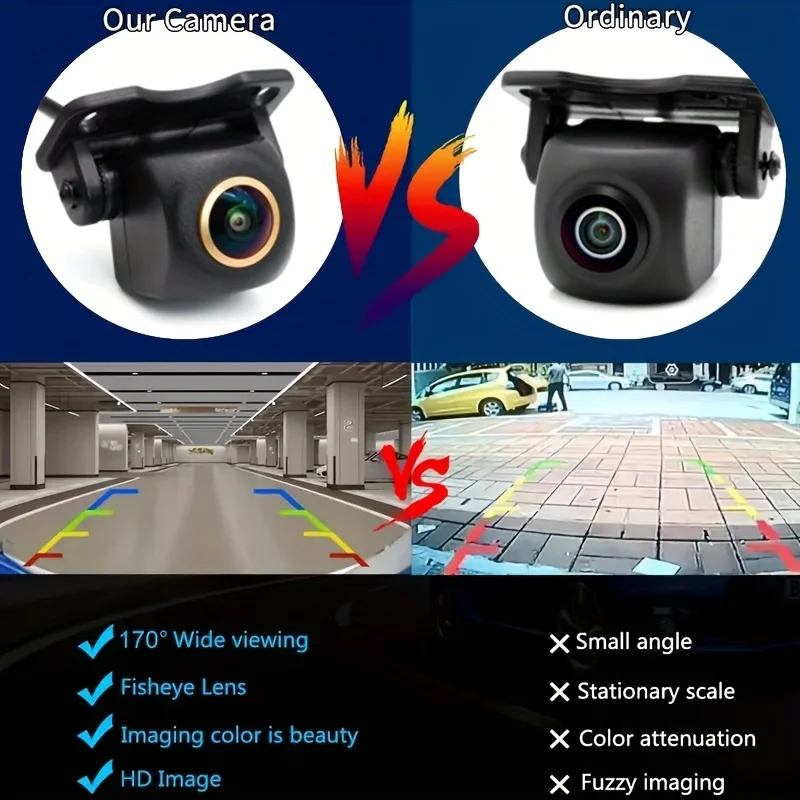
Viewing Angle : 170°
Length of Video Cable : 6M
Lens Material : Glass
Guiding Line : Yes
Hign-concerned Chemical : None
Applicable Models : Universally Applicable
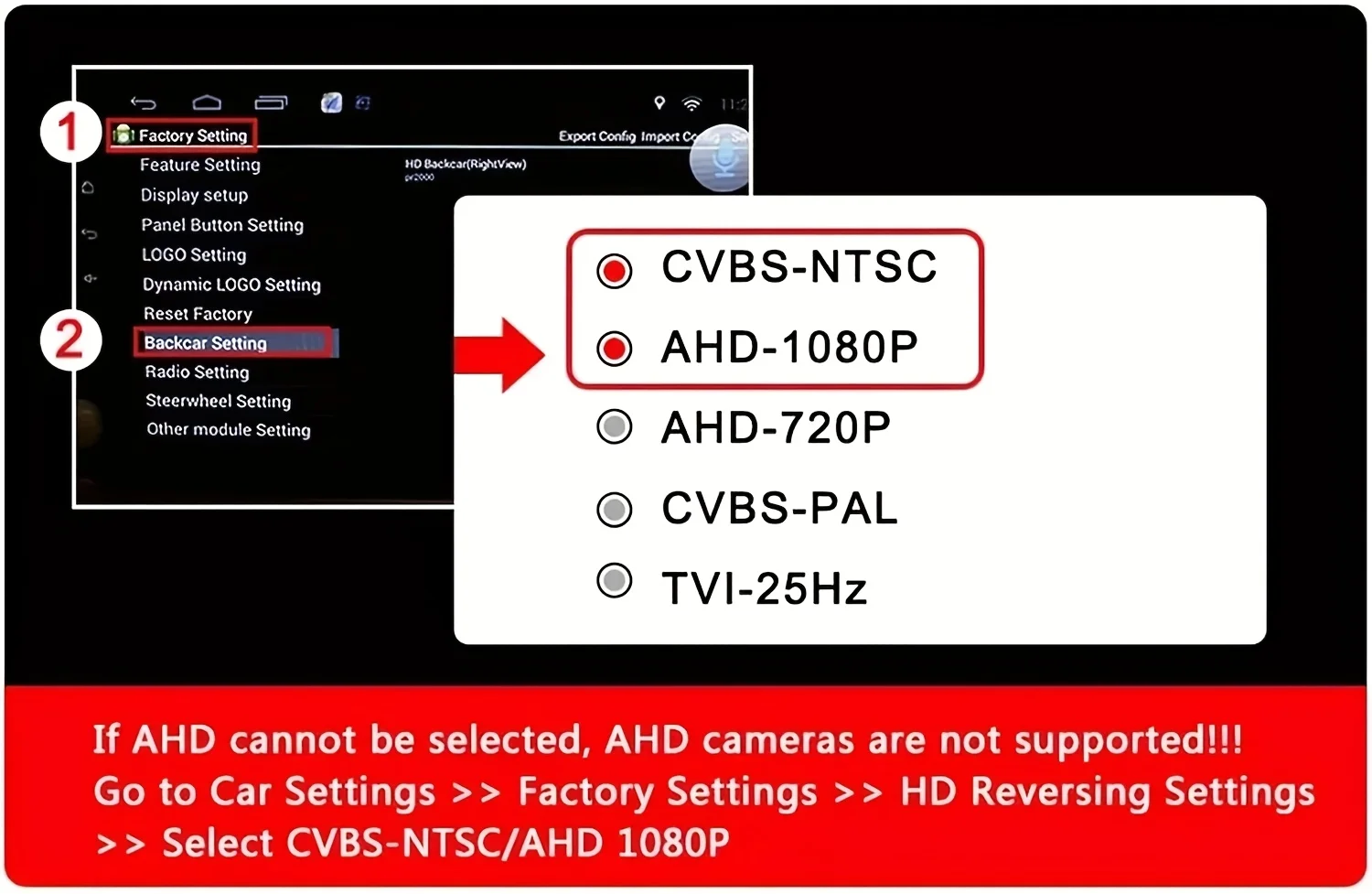
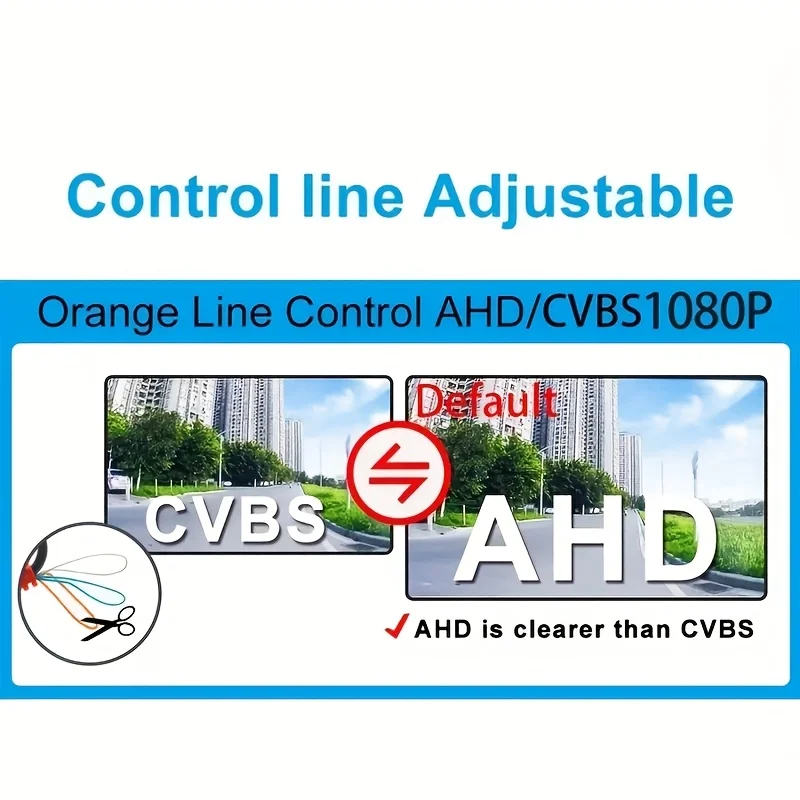
Please be aware that the AHD-1080p signal format is compatible only with AHD-1080p monitors. Ensure that your car monitor can handle the AHD-1080p signal. If it cannot, switch to CVBS and restart the camera's power.
If your vehicle's display is incompatible with the AHD-1080p camera, the AHD-1080p signal will fail to function. Please cut the orange loop to switch to CVBS signal and restart the camera's power.
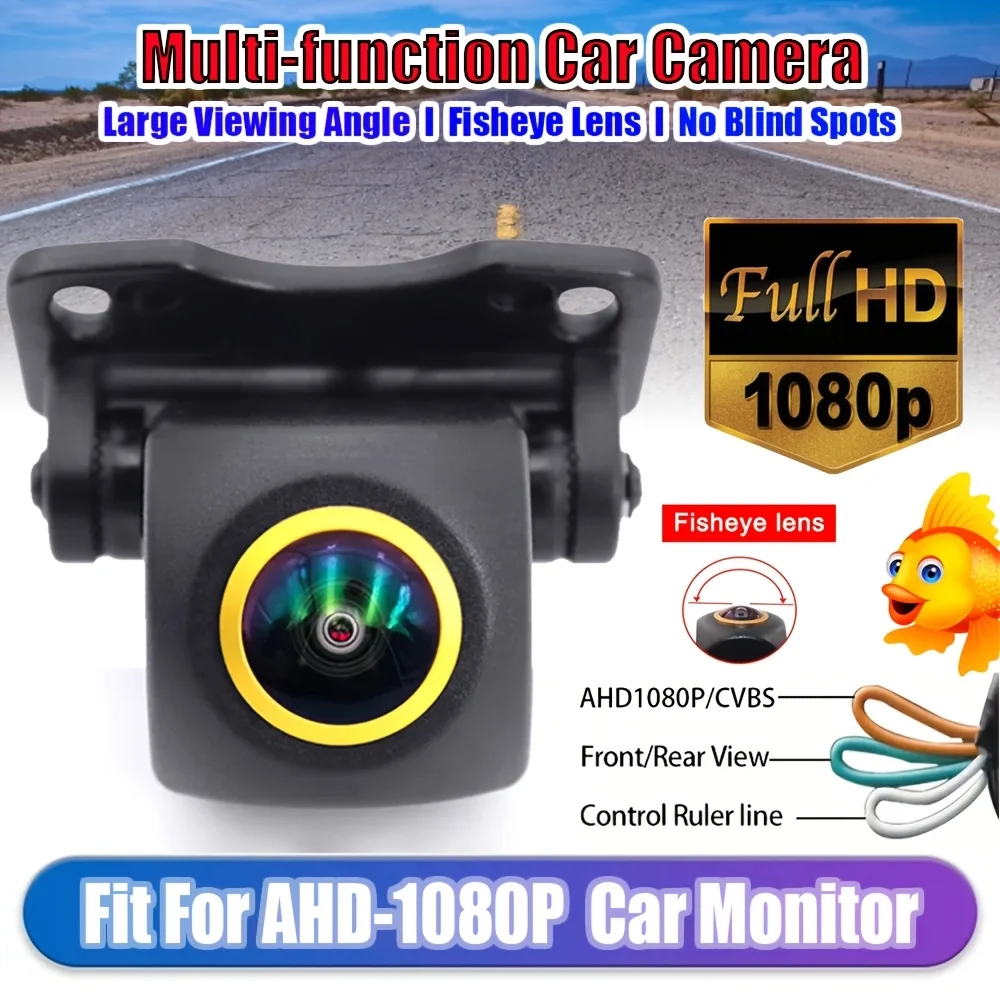
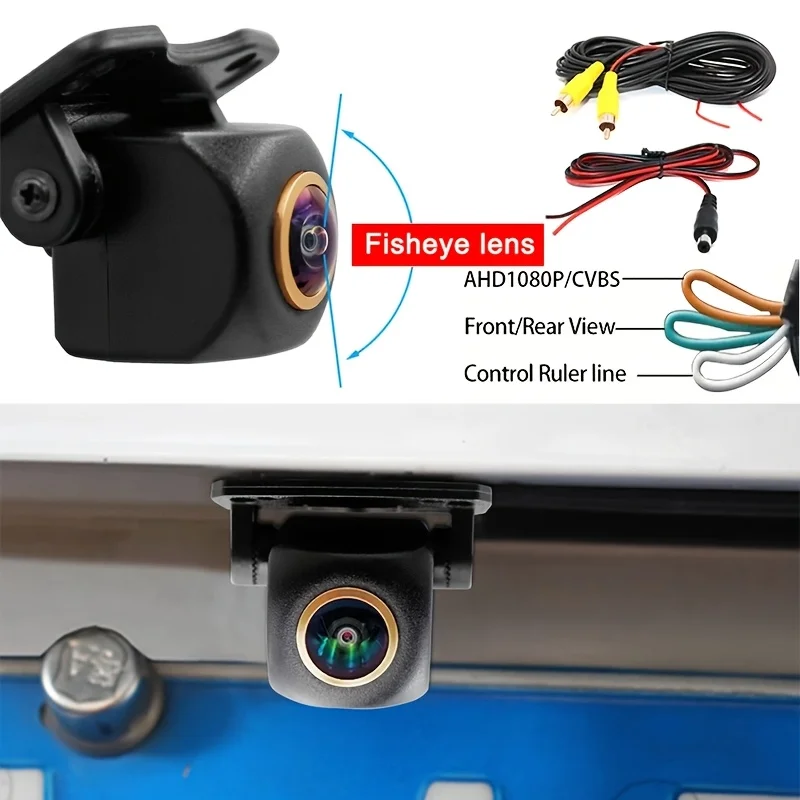
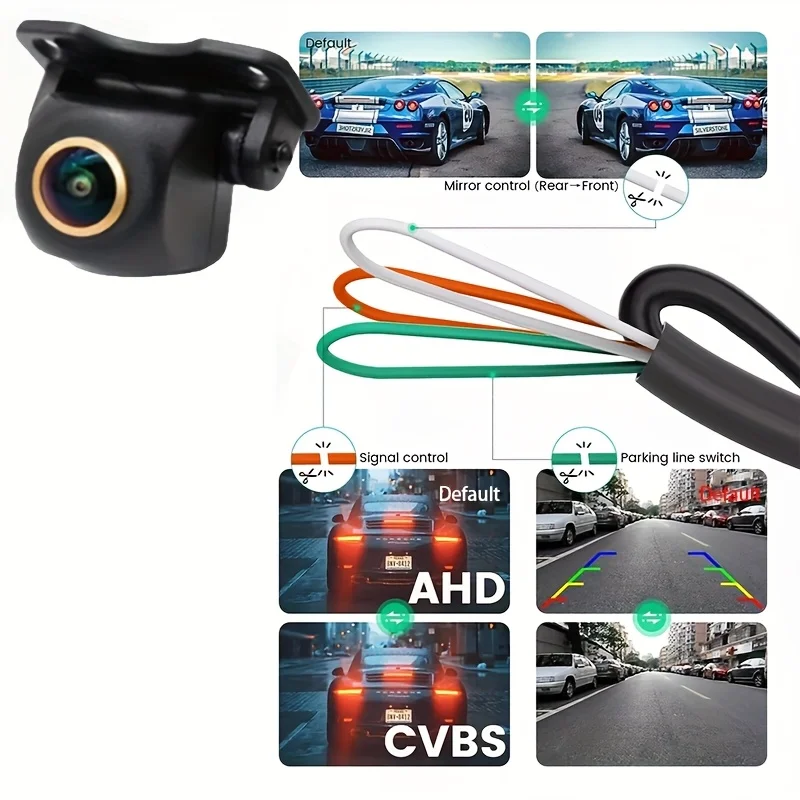
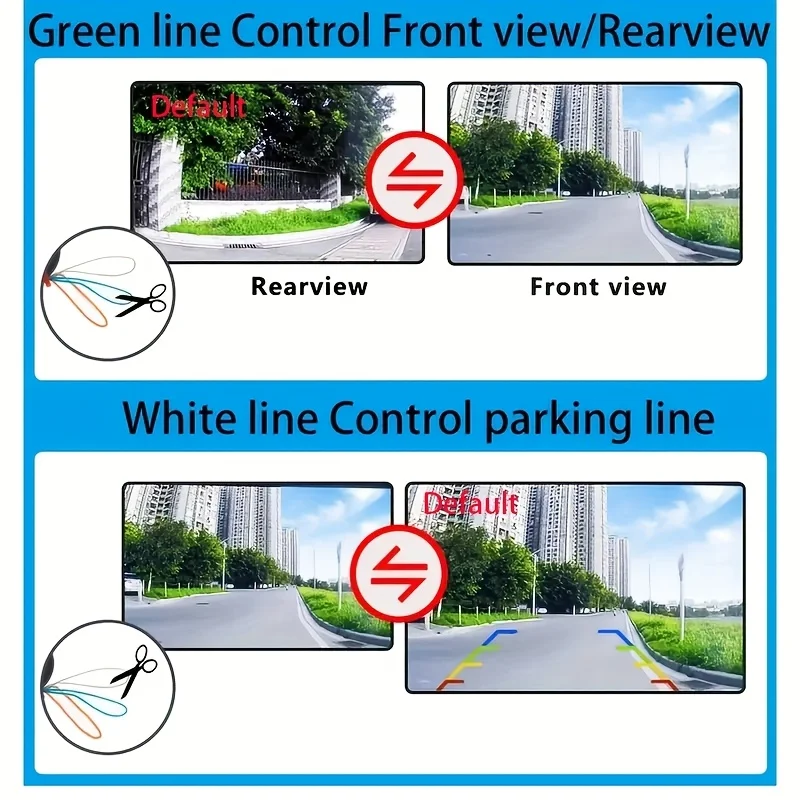
The three features that are operated by cables
Orange wire: AHD-1080p output (standard) To change to CVBS output (disconnect)
Green wire: Mirror function (standard) To change to Front view (disconnect)
White: Guideline active (standard) To change to guideline inactive (disconnect)
What steps should I take if the rear view camera is connected but the display shows a gray screen with no signal or image?
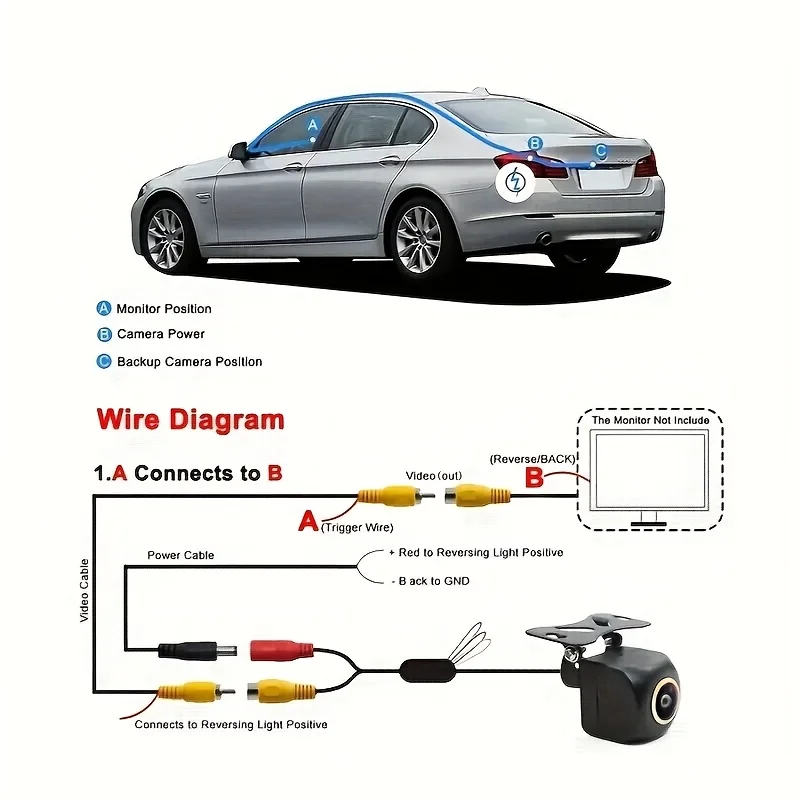
A) Verify the format of your signal (AHD-1080p/CVBS) and select the appropriate signal to operate the camera. B) Ensure your connections are correct; the red trigger wire must be linked to your reverse light and the monitor's reverse-in cable. C) If your monitor supports AUX-IN, you can connect it to the AUX-IN port.
Selecting an incorrect signal standard (like PAL or NTSC) will result in a gray and white screen. Please choose the correct signal standard to operate the camera and then restart the camera's power. The CVBS camera uses the NTSC standard, while the AHD1080P camera operates on the PAL standard.