To ensure safe and proper use of this product, please carefully read the following precautions before installation:
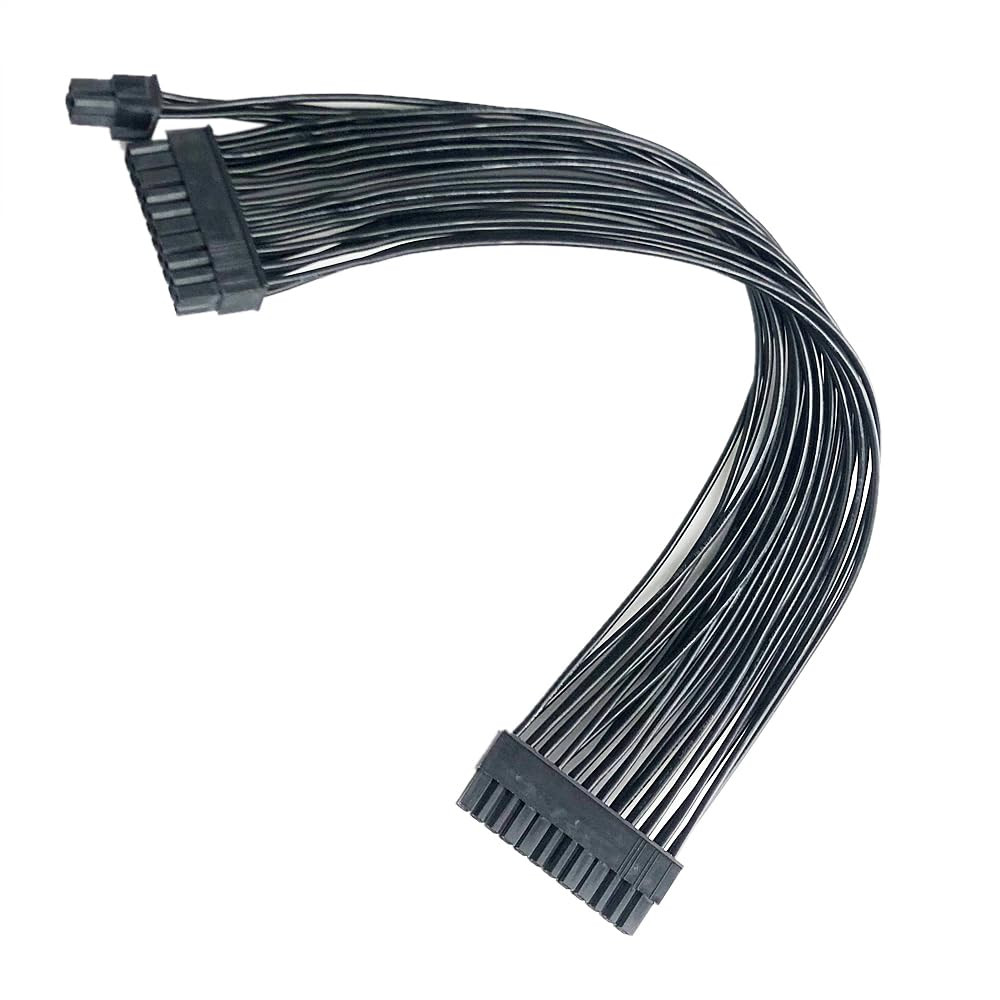
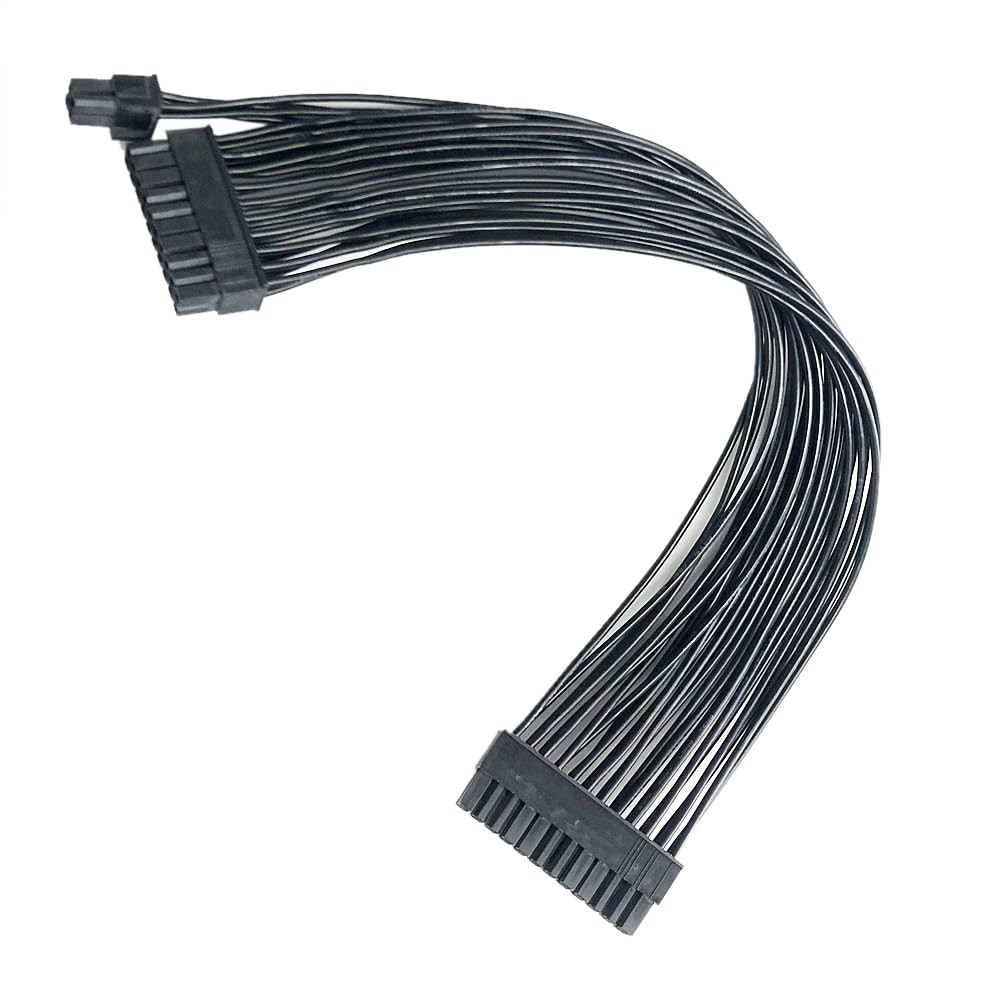
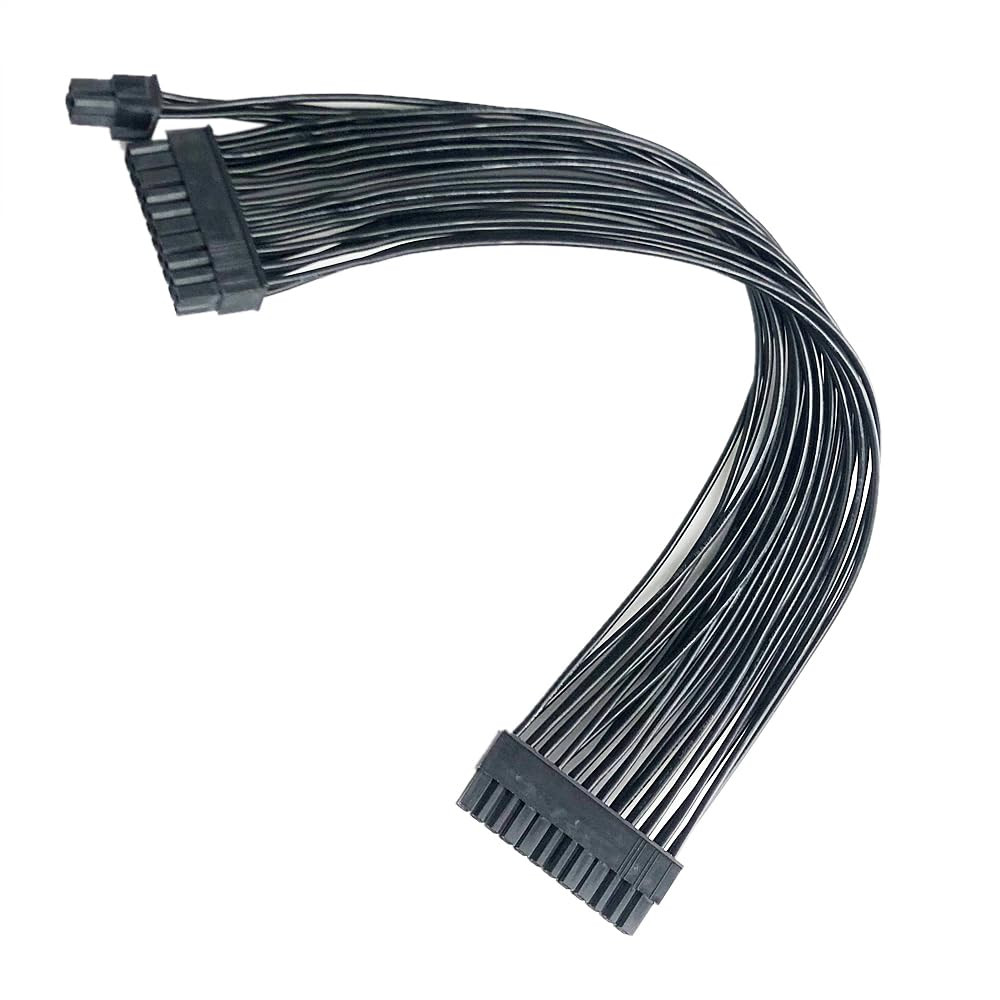
- Ensure your power supply and motherboard both feature standard ATX 24-pin connectors. This extension cable is incompatible with server power supplies, older BTX motherboards, or non-standard connectors (e.g., 18-pin). Forced insertion may damage connector pins, rendering the device unusable or causing permanent damage.
- Before installation, completely disconnect the computer's power supply! Unplug the power cord from the rear of the chassis and press the power button for several seconds to discharge residual electricity from the motherboard. Never perform this operation while the system is powered on!
- Ensure both ends (connecting to the original power cable and the motherboard) are fully inserted and locked into place until the latch clicks. Poor contact may cause the computer to fail to boot, reboot frequently, or run unstable.
- This product is an “extension cable,” not a “replacement cable.” It extends your existing stock power cable and cannot directly connect to non-modular power supplies.
- If your computer experiences issues like failure to boot, frequent blue screens, or automatic restarts after installation, first ensure all connectors are securely plugged in. If the problem persists, remove the extension cable and connect directly using the power supply's original cable to determine if the extension cable is faulty.