




DESCRIPTION

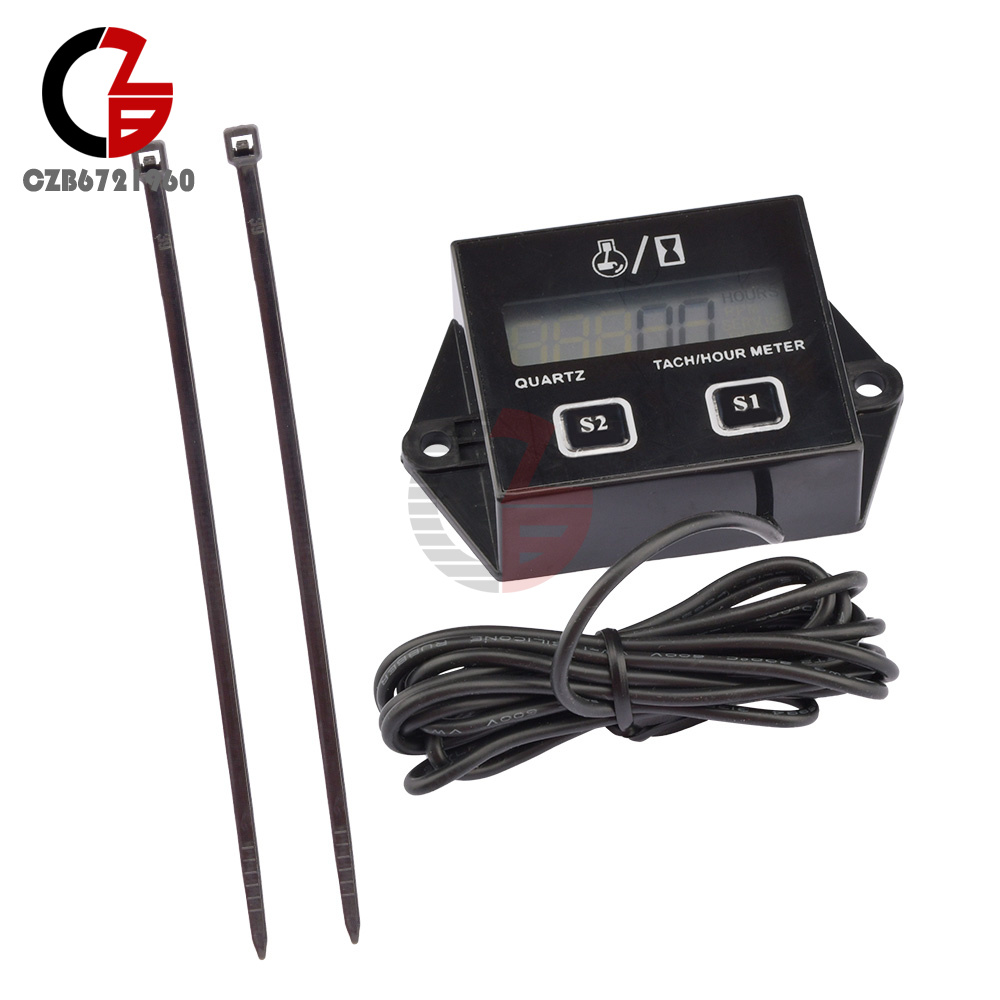
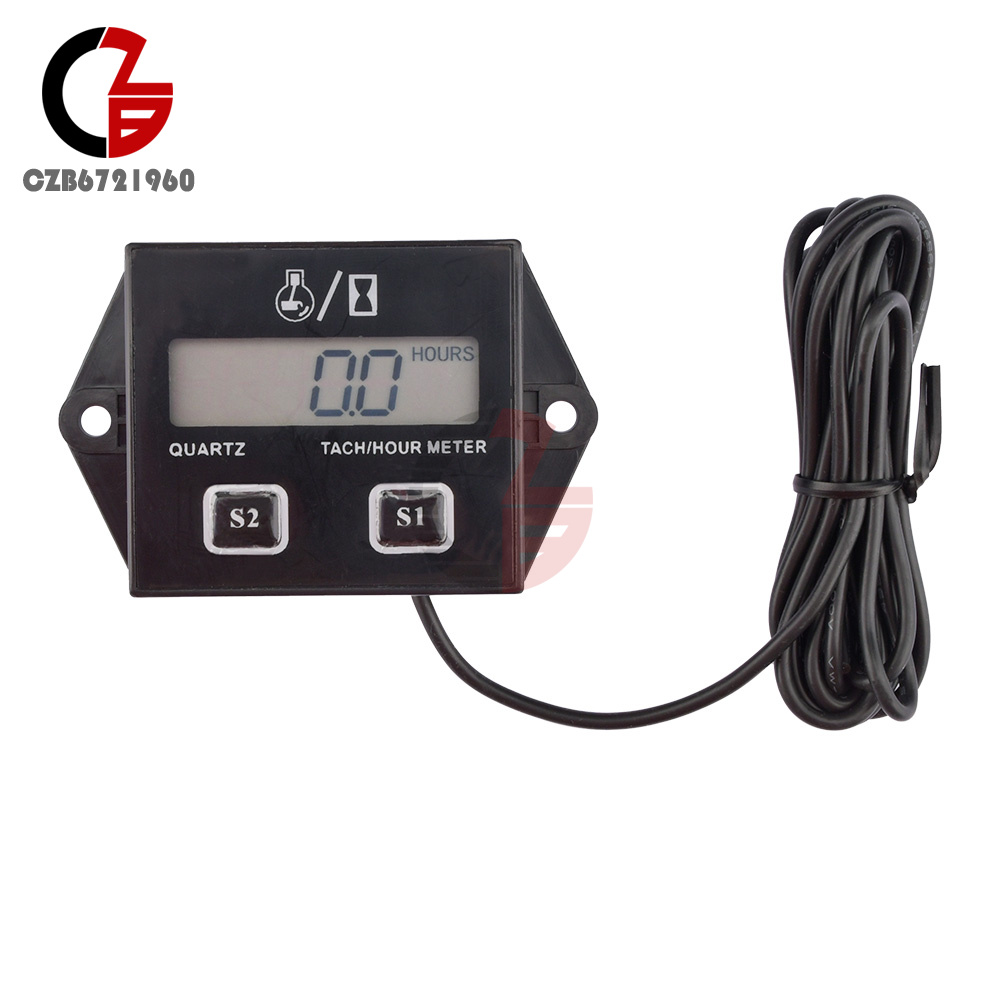
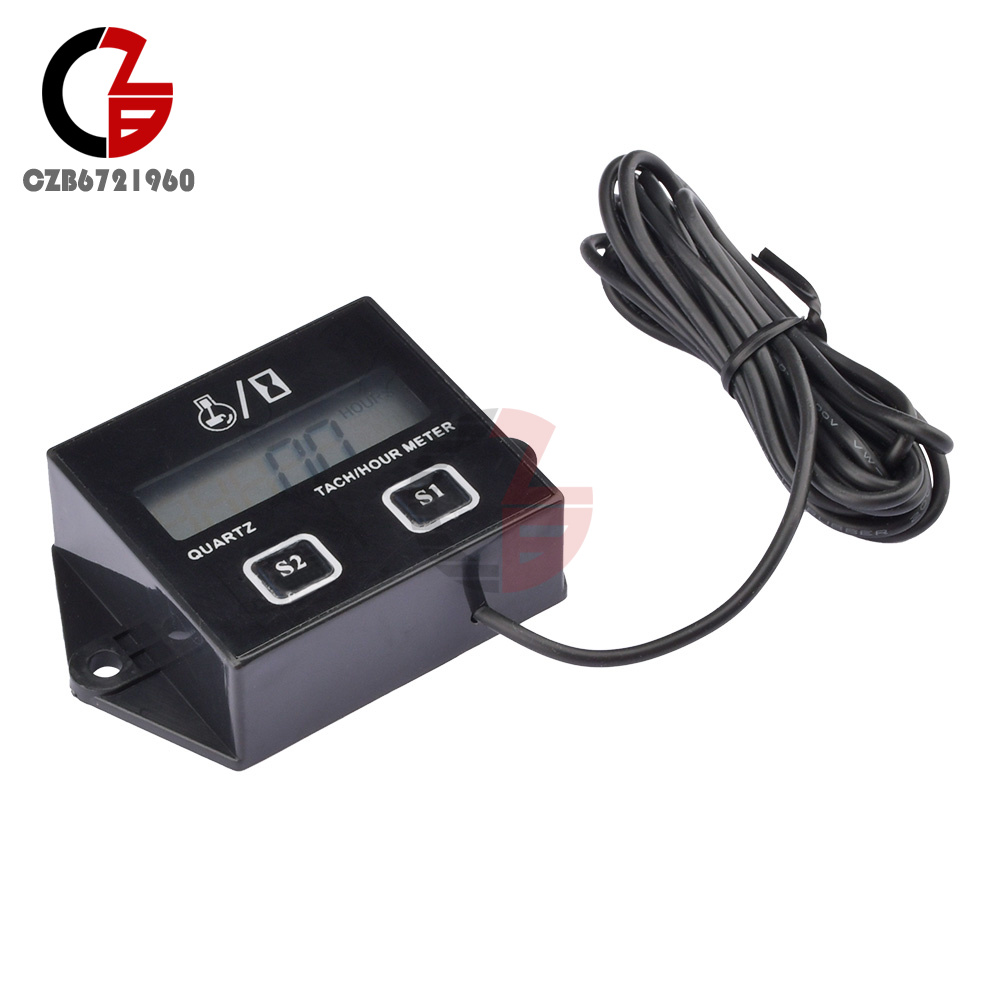
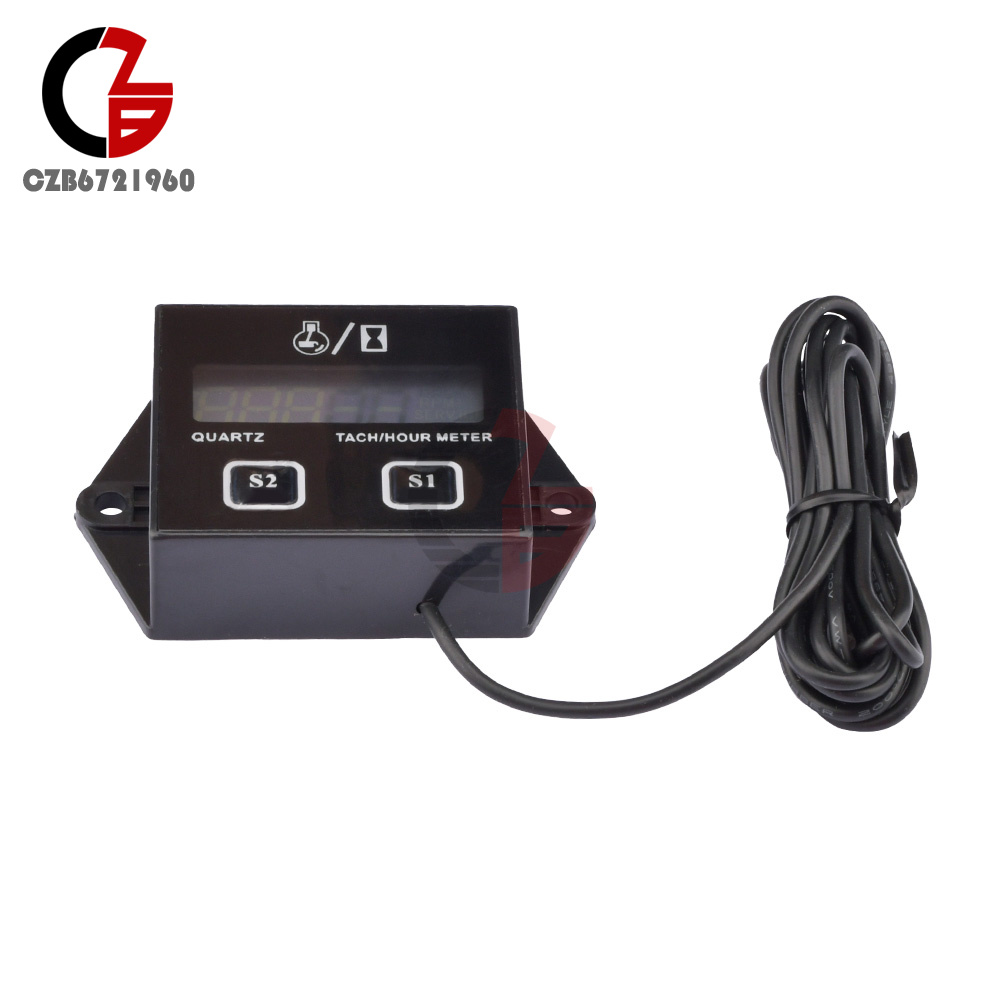
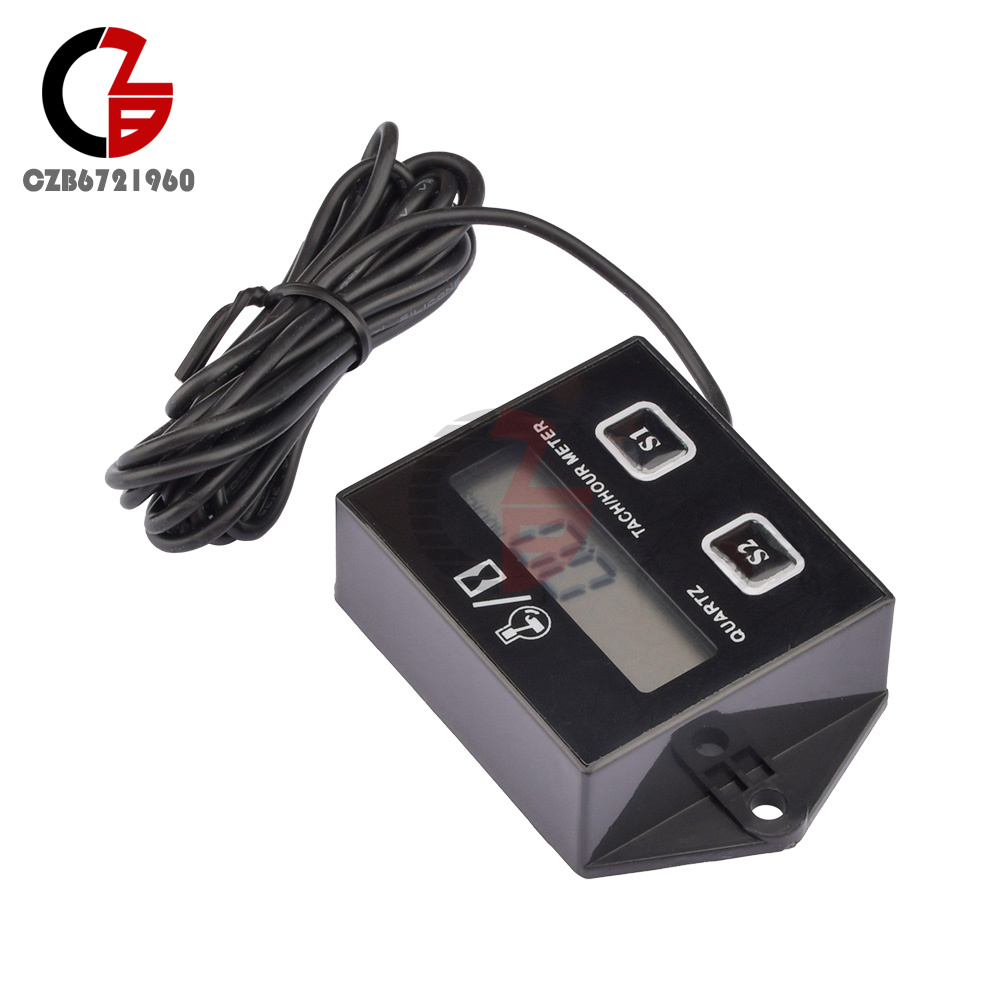
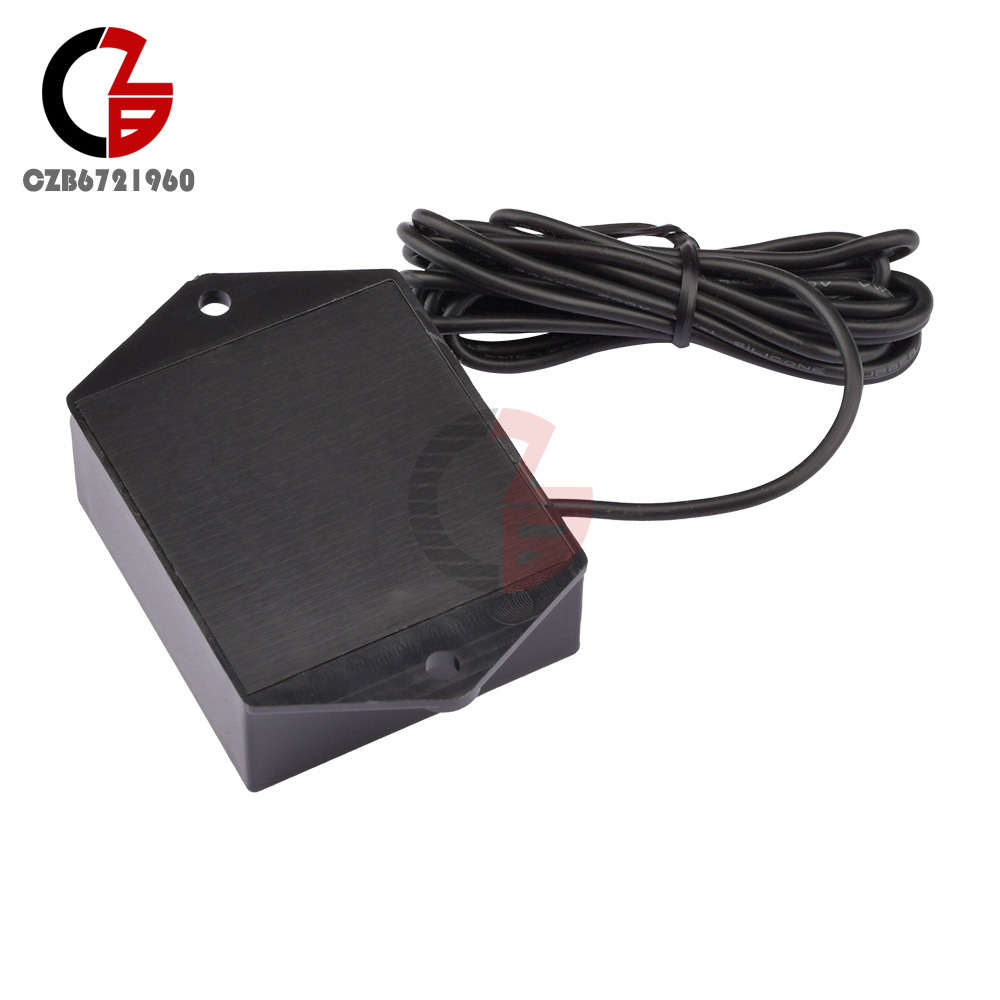
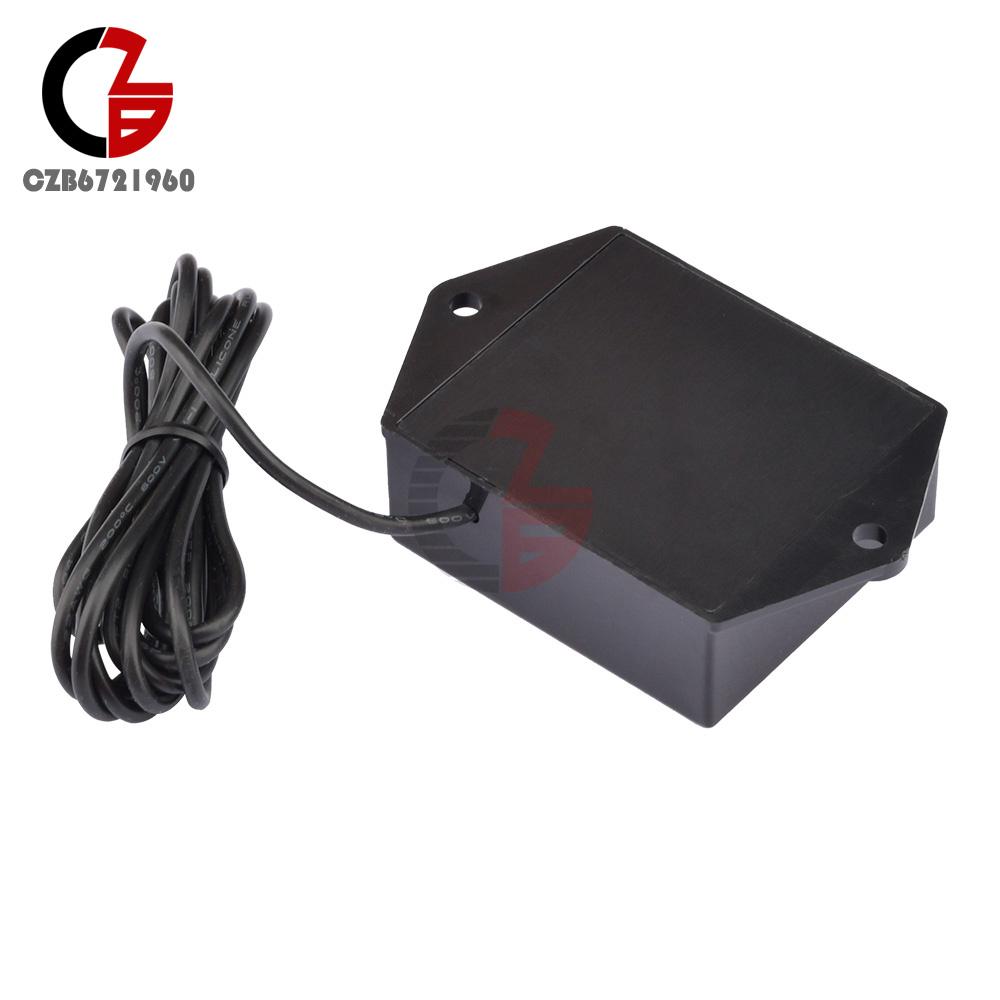
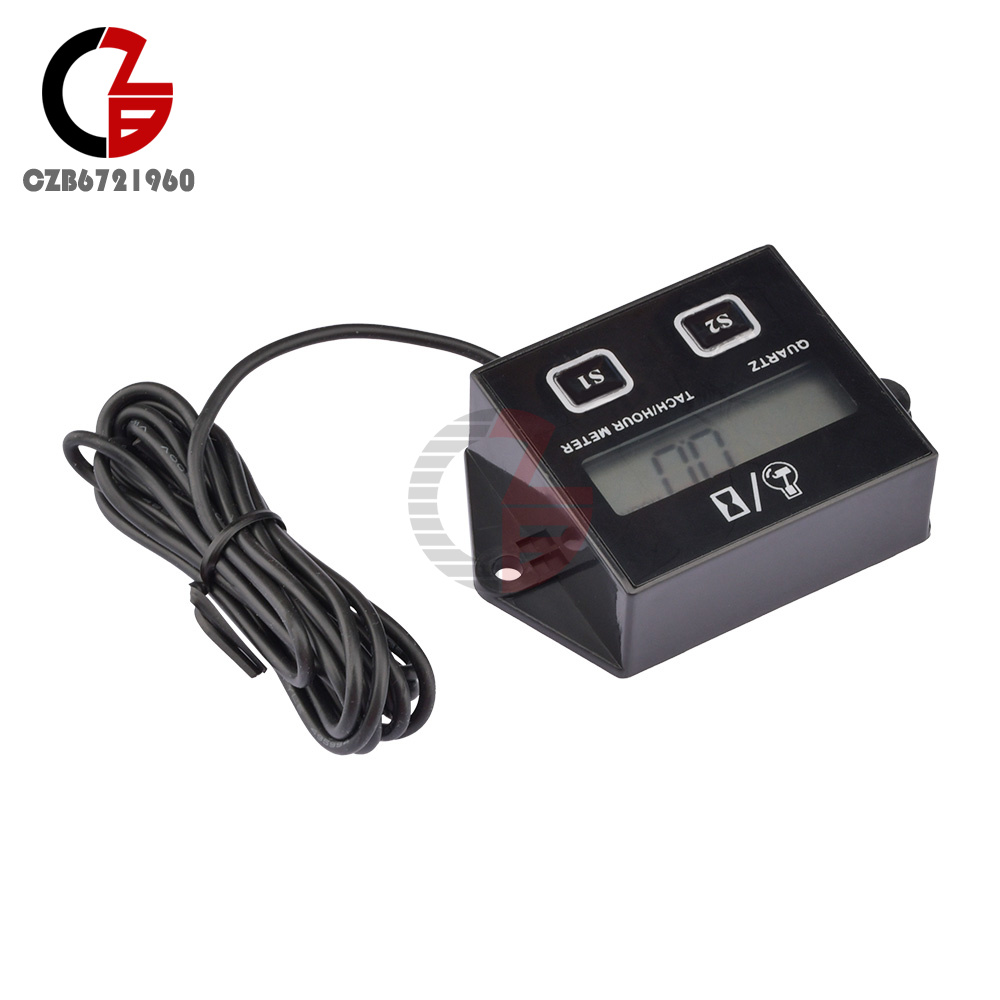
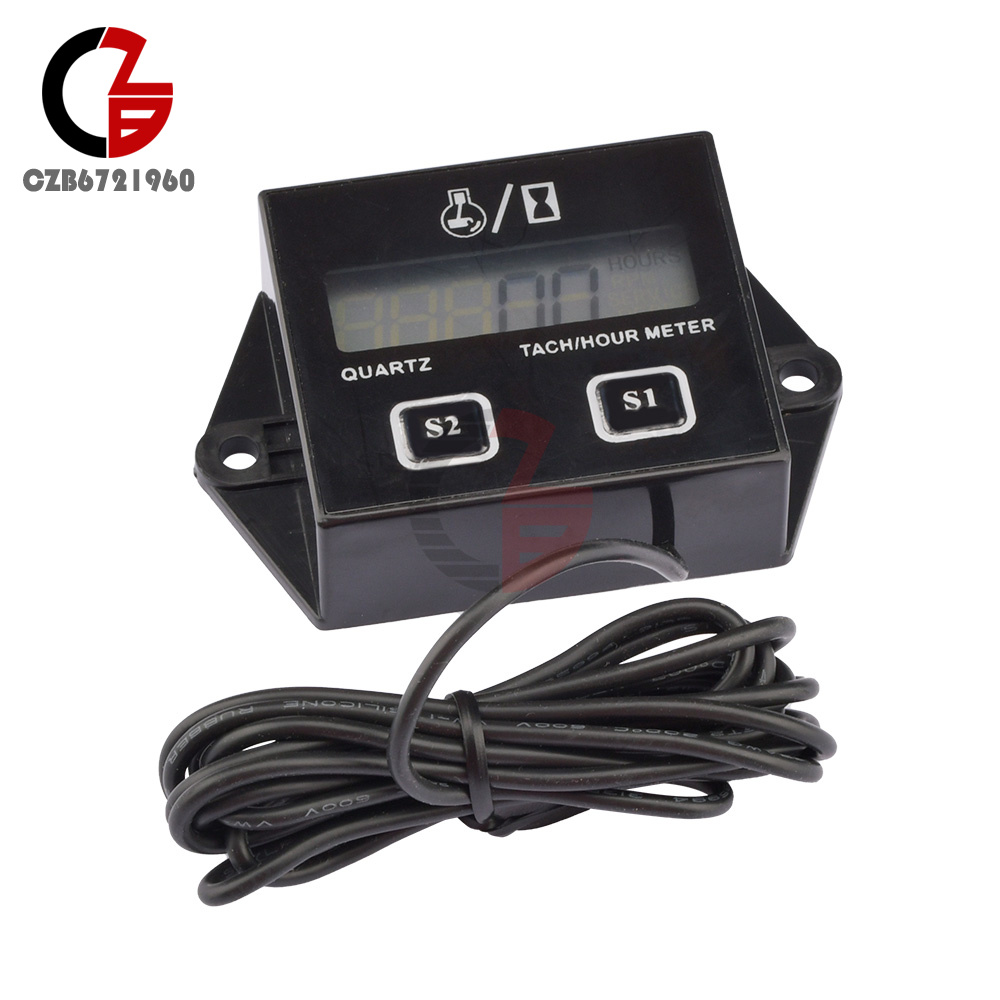
Digital RPM Tach Hour Meter Tachometer Gauge For Motorcycle Dirt Bike 2/4 Stroke
Popular
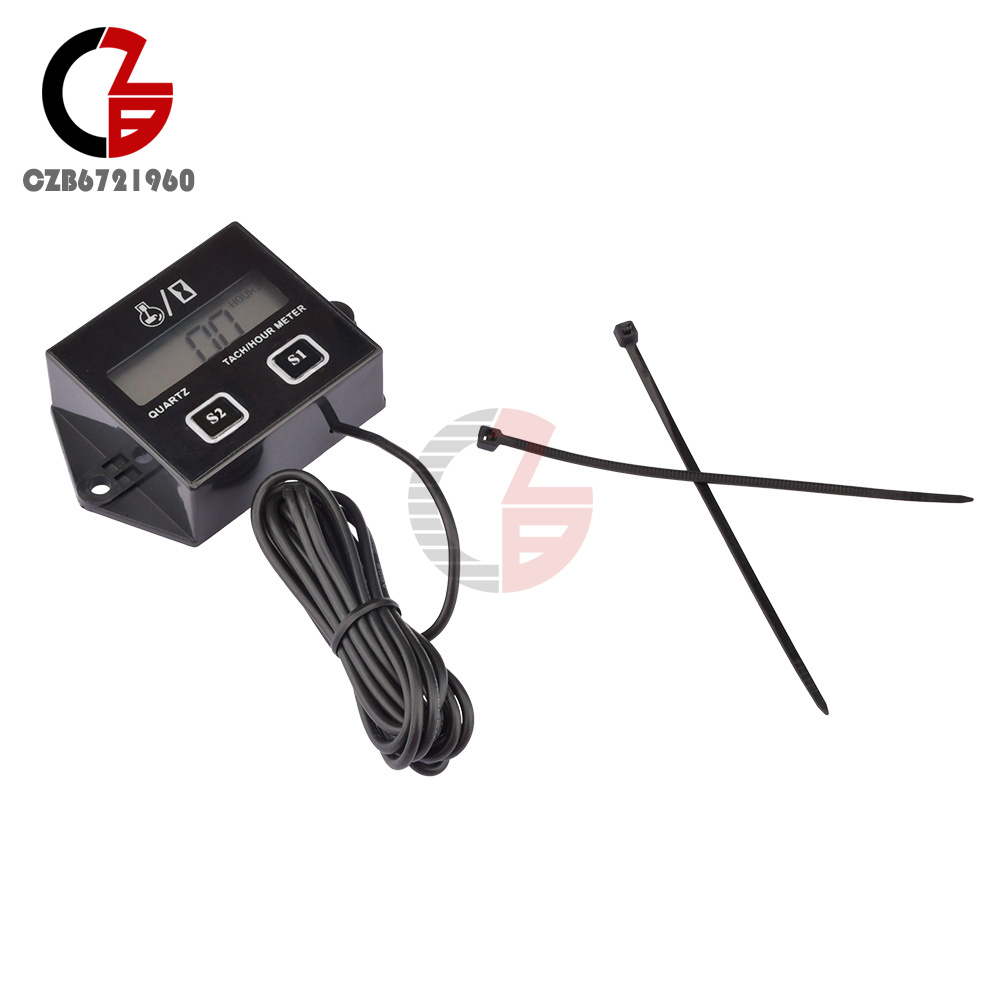
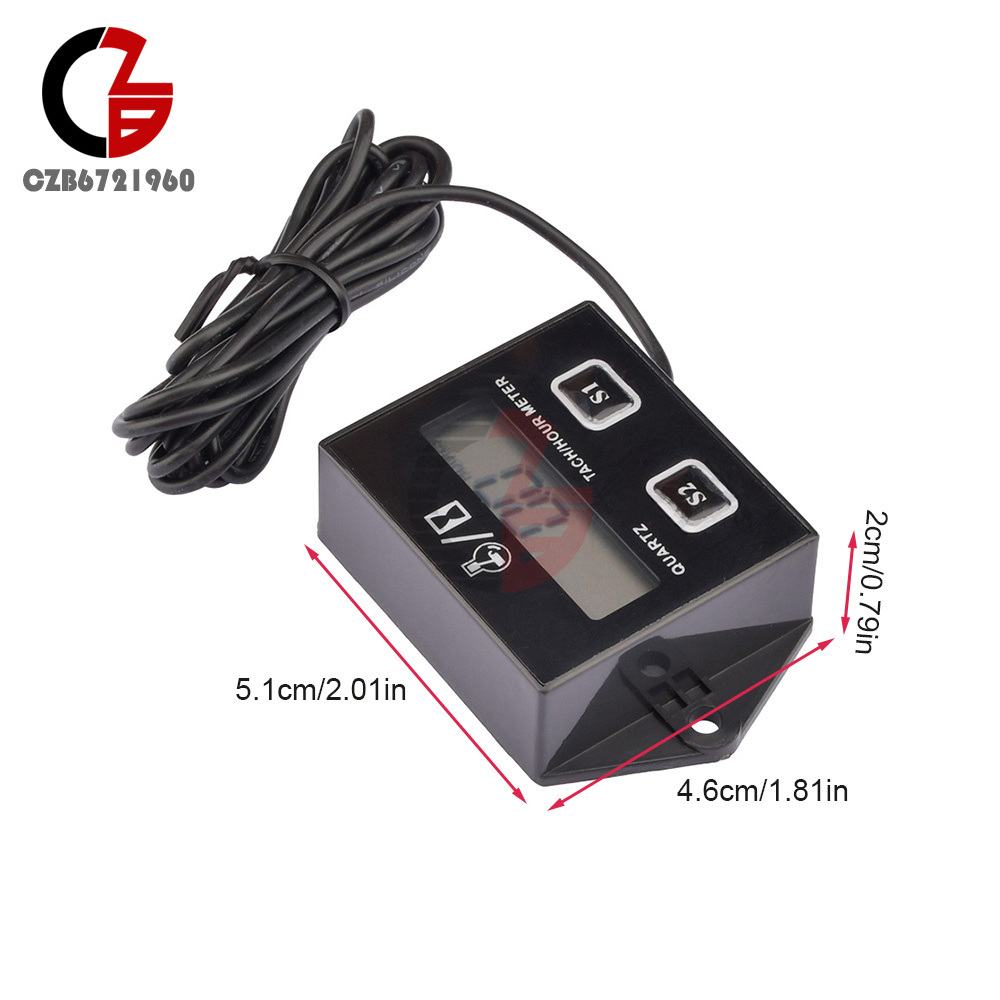
Product Introduction
1. Applied to all gasoline engines with spark plugs: off-road motorcycles, racing cars, cars, ATVs, lawn mowers, chainsaws
2. Inductive design, only need to bundle the connecting wire on the spark plug to operate
3. Timing range: 0.1-9999.9 hours; support speed range: 15300 RPM
4. LCD display
5. Low-voltage design, built-in battery power supply, safe and reliable; battery standby life of more than 3 years
6. The speed mode can be set, applied to 2-stroke or 4-stroke engines
7. The maintenance time reminder function can be set, and the LCD screen will flash to remind when the time is up.
8. System data reset function, can clear all recorded data
2. Inductive design, only need to bundle the connecting wire on the spark plug to operate
3. Timing range: 0.1-9999.9 hours; support speed range: 15300 RPM
4. LCD display
5. Low-voltage design, built-in battery power supply, safe and reliable; battery standby life of more than 3 years
6. The speed mode can be set, applied to 2-stroke or 4-stroke engines
7. The maintenance time reminder function can be set, and the LCD screen will flash to remind when the time is up.
8. System data reset function, can clear all recorded data
Product function introduction parameters:
1. Speed mode setting
Press and hold the S1 button for 4 seconds, the RPM icon will be displayed, and the LCD will display 01 (for 2-stroke engines); 02 (for 4-stroke engines); 03 (other rotations); 04 (only display time, not RPM ).
Once you have found your ideal spark plug ignition method, please release the S1 key, the LCD will flash for 8-10 seconds, and return to the total timing mode; the factory value is 02.
2. Maintenance interval setting
Press and hold the S2 key for 4 seconds, the numbers on the right half of the display will flash. And the SERVICE icon will be displayed. Press and hold the S1 key to automatically increase the number of flashing digits. When the desired number is reached, release the S1 key. And press and hold the S2 key for 1 second to increase the next number, repeat the above steps until the interval time input is completed, unit: hour. Release all buttons, after 14-16 seconds, the LCD display will return to total time mode.
3. Confirmation of maintenance interval
Press and hold the S1 and S2 buttons at the same time for 4 seconds, and the 2 numbers will increase to 09 and return to the total time mode. Indicate the maintenance interval to confirm the start of work. When the engine starts to run and the service time reaches 0, the SERVICE icon is displayed, indicating that the service time is up. This step must be confirmed for the set interval to work.
4. Set the interval time query
Press and hold the S2 button for 4 seconds to query your maintenance interval without any settings. If you want to set a new maintenance interval, please repeat steps 5 and 6. That is, if you want to query the maintenance interval, just press and hold the S2 key.
5. Processing after the service time expires
After the engine is running, if the maintenance interval is up, the SERVICE icon will be displayed to remind the service. Press and hold S1 and S2 at the same time to make the data from 01-09, the SERVICE icon will be closed, the maintenance interval will automatically return to the original set time, and continue to run.
6. Just show the time
Press and hold the S1 button until 04 is displayed, release the S1 button, and the display will return to the total time after 8-10 seconds. When the engine is running, the display will only display the time, not the speed, and the HOURS icon will flash.
10. System reset
Press and hold the S1 key until 05 is displayed, release the S1 key, and the display returns to the total time after 8-10 seconds. Press and hold the S1 and S2 keys at the same time to make the data from 01-09, the system will be reset, all data will be cleared, and the display will be turned off. The default speed mode is 02
1. Speed mode setting
Press and hold the S1 button for 4 seconds, the RPM icon will be displayed, and the LCD will display 01 (for 2-stroke engines); 02 (for 4-stroke engines); 03 (other rotations); 04 (only display time, not RPM ).
Once you have found your ideal spark plug ignition method, please release the S1 key, the LCD will flash for 8-10 seconds, and return to the total timing mode; the factory value is 02.
2. Maintenance interval setting
Press and hold the S2 key for 4 seconds, the numbers on the right half of the display will flash. And the SERVICE icon will be displayed. Press and hold the S1 key to automatically increase the number of flashing digits. When the desired number is reached, release the S1 key. And press and hold the S2 key for 1 second to increase the next number, repeat the above steps until the interval time input is completed, unit: hour. Release all buttons, after 14-16 seconds, the LCD display will return to total time mode.
3. Confirmation of maintenance interval
Press and hold the S1 and S2 buttons at the same time for 4 seconds, and the 2 numbers will increase to 09 and return to the total time mode. Indicate the maintenance interval to confirm the start of work. When the engine starts to run and the service time reaches 0, the SERVICE icon is displayed, indicating that the service time is up. This step must be confirmed for the set interval to work.
4. Set the interval time query
Press and hold the S2 button for 4 seconds to query your maintenance interval without any settings. If you want to set a new maintenance interval, please repeat steps 5 and 6. That is, if you want to query the maintenance interval, just press and hold the S2 key.
5. Processing after the service time expires
After the engine is running, if the maintenance interval is up, the SERVICE icon will be displayed to remind the service. Press and hold S1 and S2 at the same time to make the data from 01-09, the SERVICE icon will be closed, the maintenance interval will automatically return to the original set time, and continue to run.
6. Just show the time
Press and hold the S1 button until 04 is displayed, release the S1 button, and the display will return to the total time after 8-10 seconds. When the engine is running, the display will only display the time, not the speed, and the HOURS icon will flash.
10. System reset
Press and hold the S1 key until 05 is displayed, release the S1 key, and the display returns to the total time after 8-10 seconds. Press and hold the S1 and S2 keys at the same time to make the data from 01-09, the system will be reset, all data will be cleared, and the display will be turned off. The default speed mode is 02
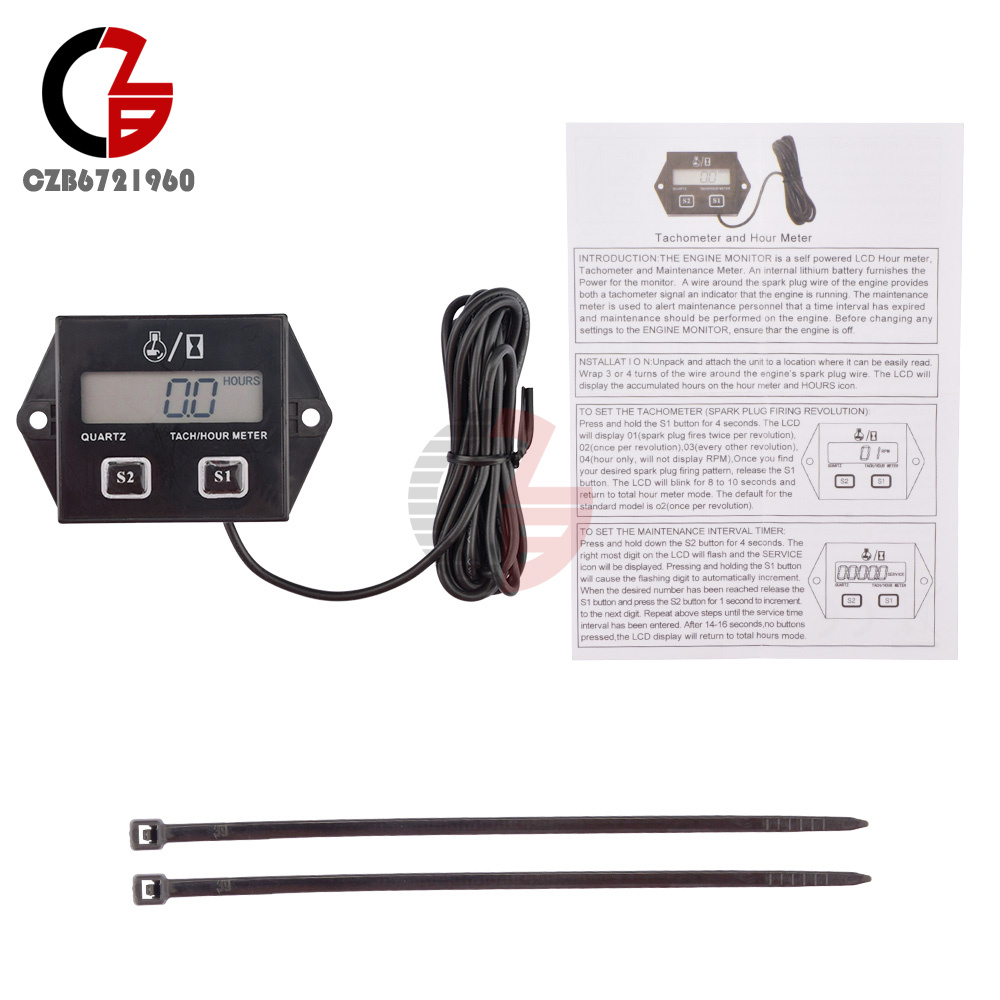
Package list:
3V LCD tachometer accumulator *1
Cable ties*2
Manual*1
3V LCD tachometer accumulator *1
Cable ties*2
Manual*1
- We accept PayPal only. But we only Accept your Ebay Address,Please Make sure it's 100% right.
- Payment must be received in 5 business days of auction closing.
- Please leave note for your special request (e.g. Colors or Size) in PayPal when you pay the order.
- Any special request cannot be accepted after 24 hours of payment, because most of orders will be processed instantly and same day dispatched.
- We maintain high standards of excellence and strive for 100% customer satisfaction! Feedback is very important to us. We request that you contact us immediately BEFORE you give us neutral or negative feedback, so that we can satisfactorily address your concerns.
- All package need to wait 30 days(US only need 7-10 days),Please take care it.Less than 30 days,we can't take a refund.
- If the item is defect when you receive it or you are not satisfied with it, please return it within 14 days for a replacement or money back. But the items must be back in factory condition. Please contact us and double check the return address before you return it.
- If is item is defective in 12 months, you can return it to us. We will send you a new replacement after receiving the defective item.
Digital RPM Tach Hour Meter Tachometer Gauge For Motorcycle Dirt Bike 2/4 Stroke
Product Introduction
1. Applied to all gasoline engines with spark plugs: off-road motorcycles, racing cars, cars, ATVs, lawn mowers, chainsaws
2. Inductive design, only need to bundle the connecting wire on the spark plug to operate
3. Timing range: 0.1-9999.9 hours; support speed range: 15300 RPM
4. LCD display
5. Low-voltage design, built-in battery power supply, safe and reliable; battery standby life of more than 3 years
6. The speed mode can be set, applied to 2-stroke or 4-stroke engines
7. The maintenance time reminder function can be set, and the LCD screen will flash to remind when the time is up.
8. System data reset function, can clear all recorded data
2. Inductive design, only need to bundle the connecting wire on the spark plug to operate
3. Timing range: 0.1-9999.9 hours; support speed range: 15300 RPM
4. LCD display
5. Low-voltage design, built-in battery power supply, safe and reliable; battery standby life of more than 3 years
6. The speed mode can be set, applied to 2-stroke or 4-stroke engines
7. The maintenance time reminder function can be set, and the LCD screen will flash to remind when the time is up.
8. System data reset function, can clear all recorded data
Product function introduction parameters:
1. Speed mode setting
Press and hold the S1 button for 4 seconds, the RPM icon will be displayed, and the LCD will display 01 (for 2-stroke engines); 02 (for 4-stroke engines); 03 (other rotations); 04 (only display time, not RPM ).
Once you have found your ideal spark plug ignition method, please release the S1 key, the LCD will flash for 8-10 seconds, and return to the total timing mode; the factory value is 02.
2. Maintenance interval setting
Press and hold the S2 key for 4 seconds, the numbers on the right half of the display will flash. And the SERVICE icon will be displayed. Press and hold the S1 key to automatically increase the number of flashing digits. When the desired number is reached, release the S1 key. And press and hold the S2 key for 1 second to increase the next number, repeat the above steps until the interval time input is completed, unit: hour. Release all buttons, after 14-16 seconds, the LCD display will return to total time mode.
3. Confirmation of maintenance interval
Press and hold the S1 and S2 buttons at the same time for 4 seconds, and the 2 numbers will increase to 09 and return to the total time mode. Indicate the maintenance interval to confirm the start of work. When the engine starts to run and the service time reaches 0, the SERVICE icon is displayed, indicating that the service time is up. This step must be confirmed for the set interval to work.
4. Set the interval time query
Press and hold the S2 button for 4 seconds to query your maintenance interval without any settings. If you want to set a new maintenance interval, please repeat steps 5 and 6. That is, if you want to query the maintenance interval, just press and hold the S2 key.
5. Processing after the service time expires
After the engine is running, if the maintenance interval is up, the SERVICE icon will be displayed to remind the service. Press and hold S1 and S2 at the same time to make the data from 01-09, the SERVICE icon will be closed, the maintenance interval will automatically return to the original set time, and continue to run.
6. Just show the time
Press and hold the S1 button until 04 is displayed, release the S1 button, and the display will return to the total time after 8-10 seconds. When the engine is running, the display will only display the time, not the speed, and the HOURS icon will flash.
10. System reset
Press and hold the S1 key until 05 is displayed, release the S1 key, and the display returns to the total time after 8-10 seconds. Press and hold the S1 and S2 keys at the same time to make the data from 01-09, the system will be reset, all data will be cleared, and the display will be turned off. The default speed mode is 02
1. Speed mode setting
Press and hold the S1 button for 4 seconds, the RPM icon will be displayed, and the LCD will display 01 (for 2-stroke engines); 02 (for 4-stroke engines); 03 (other rotations); 04 (only display time, not RPM ).
Once you have found your ideal spark plug ignition method, please release the S1 key, the LCD will flash for 8-10 seconds, and return to the total timing mode; the factory value is 02.
2. Maintenance interval setting
Press and hold the S2 key for 4 seconds, the numbers on the right half of the display will flash. And the SERVICE icon will be displayed. Press and hold the S1 key to automatically increase the number of flashing digits. When the desired number is reached, release the S1 key. And press and hold the S2 key for 1 second to increase the next number, repeat the above steps until the interval time input is completed, unit: hour. Release all buttons, after 14-16 seconds, the LCD display will return to total time mode.
3. Confirmation of maintenance interval
Press and hold the S1 and S2 buttons at the same time for 4 seconds, and the 2 numbers will increase to 09 and return to the total time mode. Indicate the maintenance interval to confirm the start of work. When the engine starts to run and the service time reaches 0, the SERVICE icon is displayed, indicating that the service time is up. This step must be confirmed for the set interval to work.
4. Set the interval time query
Press and hold the S2 button for 4 seconds to query your maintenance interval without any settings. If you want to set a new maintenance interval, please repeat steps 5 and 6. That is, if you want to query the maintenance interval, just press and hold the S2 key.
5. Processing after the service time expires
After the engine is running, if the maintenance interval is up, the SERVICE icon will be displayed to remind the service. Press and hold S1 and S2 at the same time to make the data from 01-09, the SERVICE icon will be closed, the maintenance interval will automatically return to the original set time, and continue to run.
6. Just show the time
Press and hold the S1 button until 04 is displayed, release the S1 button, and the display will return to the total time after 8-10 seconds. When the engine is running, the display will only display the time, not the speed, and the HOURS icon will flash.
10. System reset
Press and hold the S1 key until 05 is displayed, release the S1 key, and the display returns to the total time after 8-10 seconds. Press and hold the S1 and S2 keys at the same time to make the data from 01-09, the system will be reset, all data will be cleared, and the display will be turned off. The default speed mode is 02
Package list:
3V LCD tachometer accumulator *1
Cable ties*2
Manual*1
3V LCD tachometer accumulator *1
Cable ties*2
Manual*1
- We accept PayPal only. But we only Accept your Ebay Address,Please Make sure it's 100% right.
- Payment must be received in 5 business days of auction closing.
- Please leave note for your special request (e.g. Colors or Size) in PayPal when you pay the order.
- Any special request cannot be accepted after 24 hours of payment, because most of orders will be processed instantly and same day dispatched.
- We maintain high standards of excellence and strive for 100% customer satisfaction! Feedback is very important to us. We request that you contact us immediately BEFORE you give us neutral or negative feedback, so that we can satisfactorily address your concerns.
- All package need to wait 30 days(US only need 7-10 days),Please take care it.Less than 30 days,we can't take a refund.
- If the item is defect when you receive it or you are not satisfied with it, please return it within 14 days for a replacement or money back. But the items must be back in factory condition. Please contact us and double check the return address before you return it.
- If is item is defective in 12 months, you can return it to us. We will send you a new replacement after receiving the defective item.


