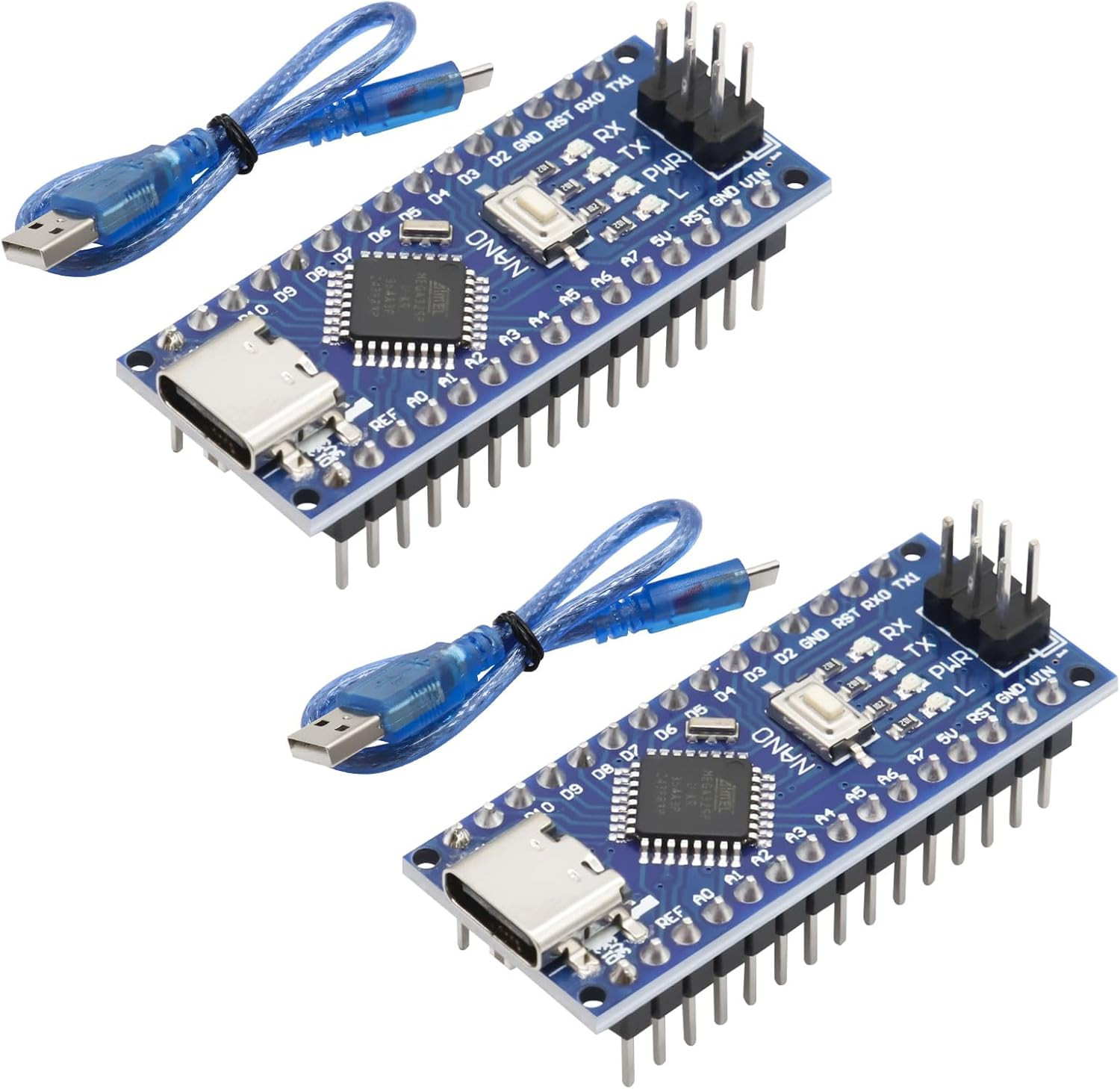
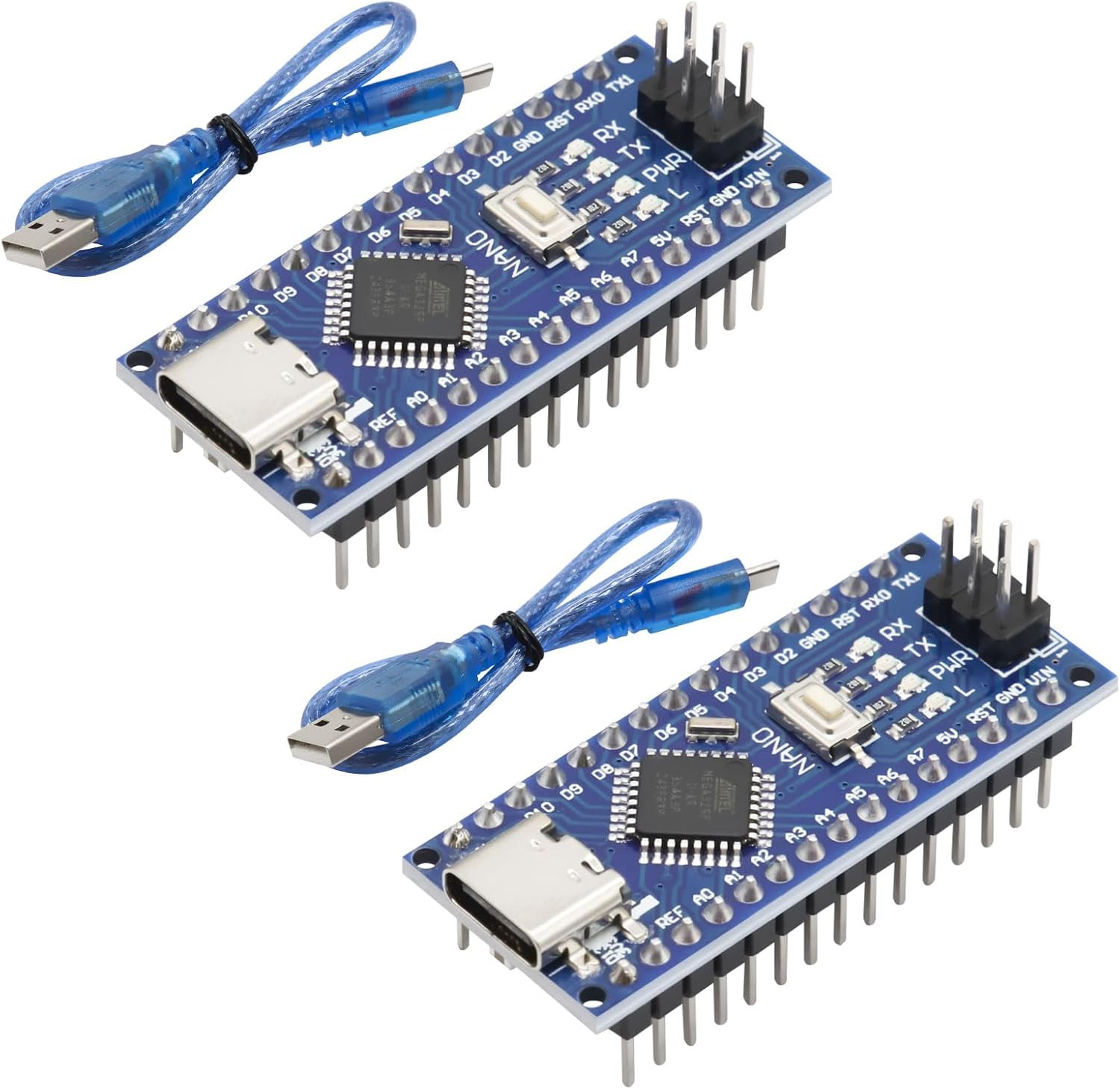
For the first test, the following steps are required
1. Download the USB chip driver(Windows 10/11 usually installs the driver automatically)
2. Plug in the NANO development board – the driver should install automatically.
3. In the Arduino IDE, select the board type as "Arduino NANO".
4. Choose the correct COM port – you can find this in Device Manager on your computer. It corresponds to the port assigned to your NANO board.
5. As a first test, you can upload one of the example programs that come with the Arduino IDE.