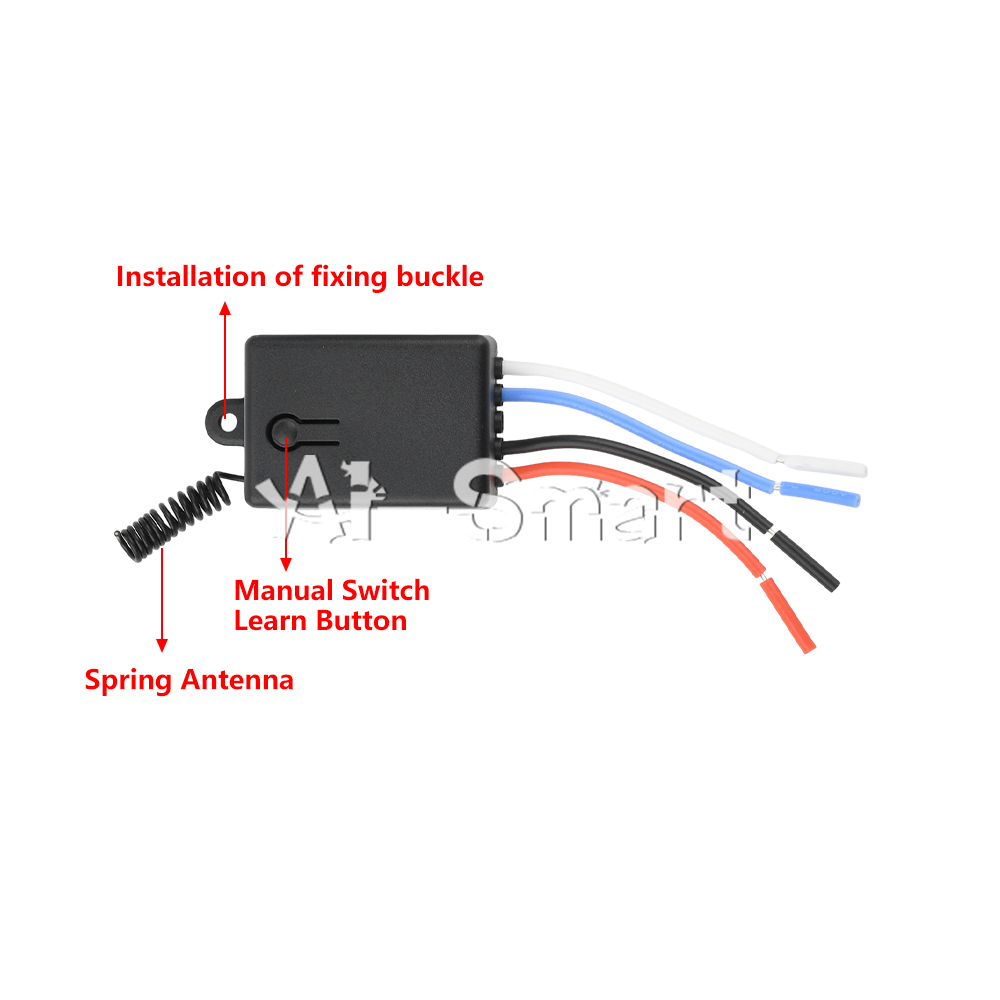
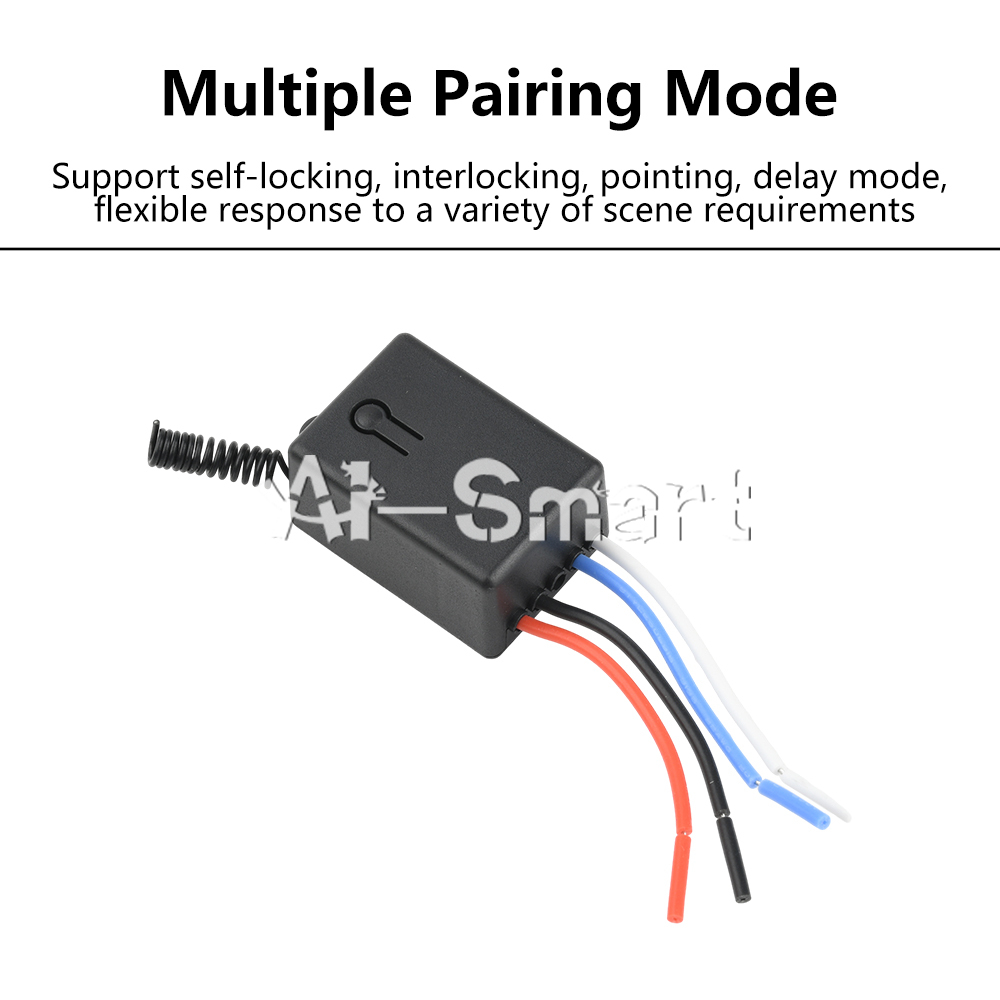
Features:
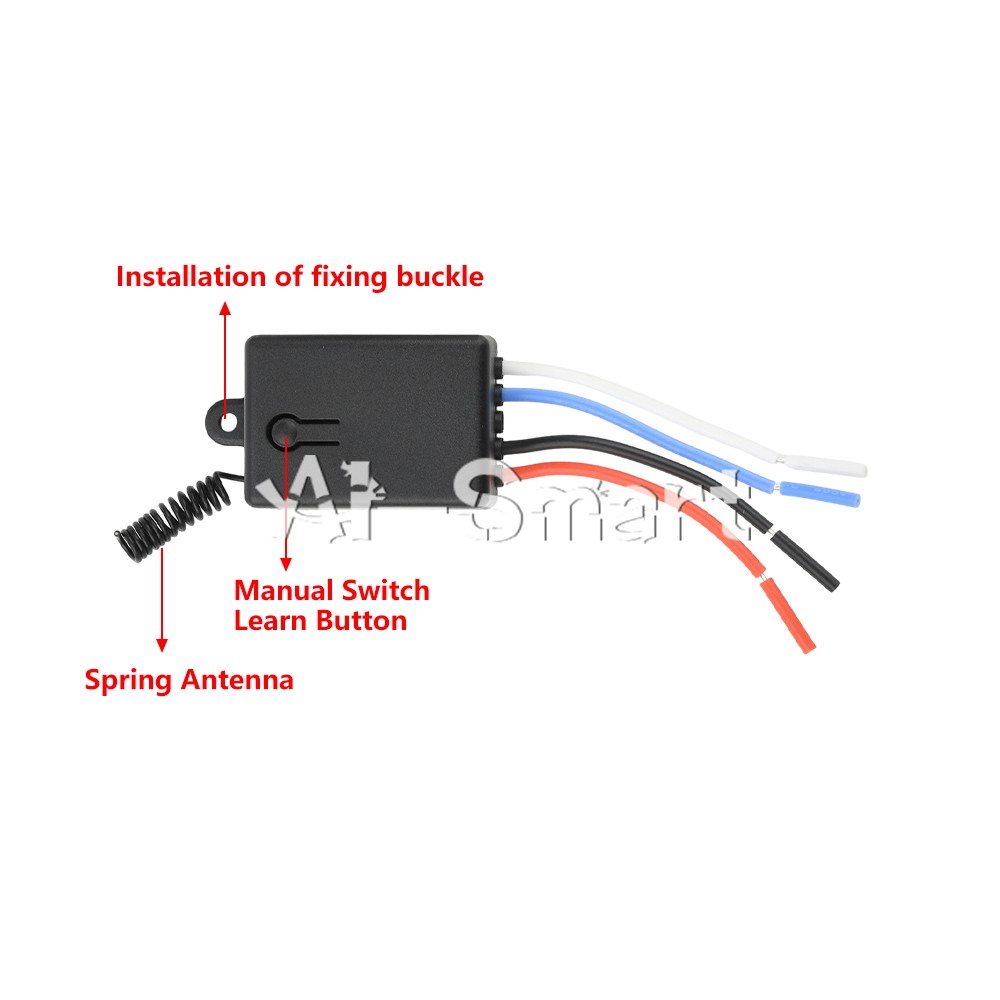
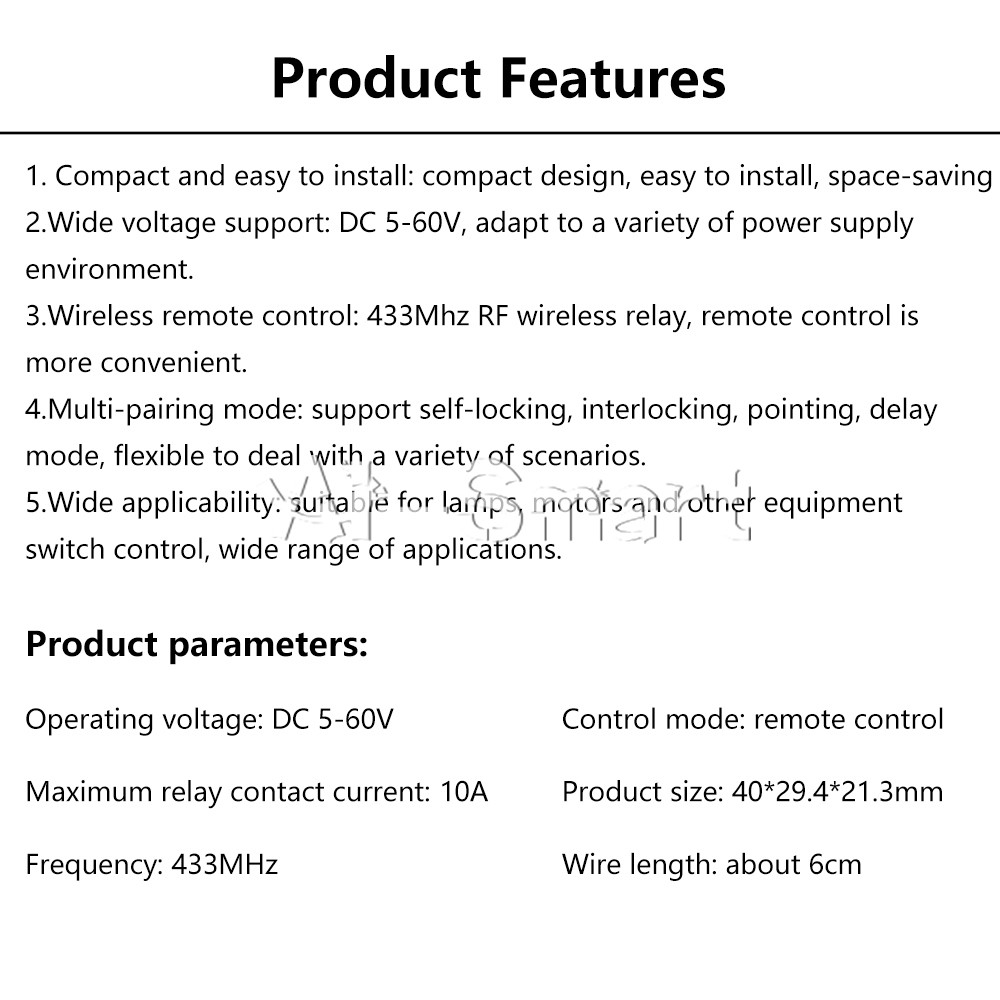
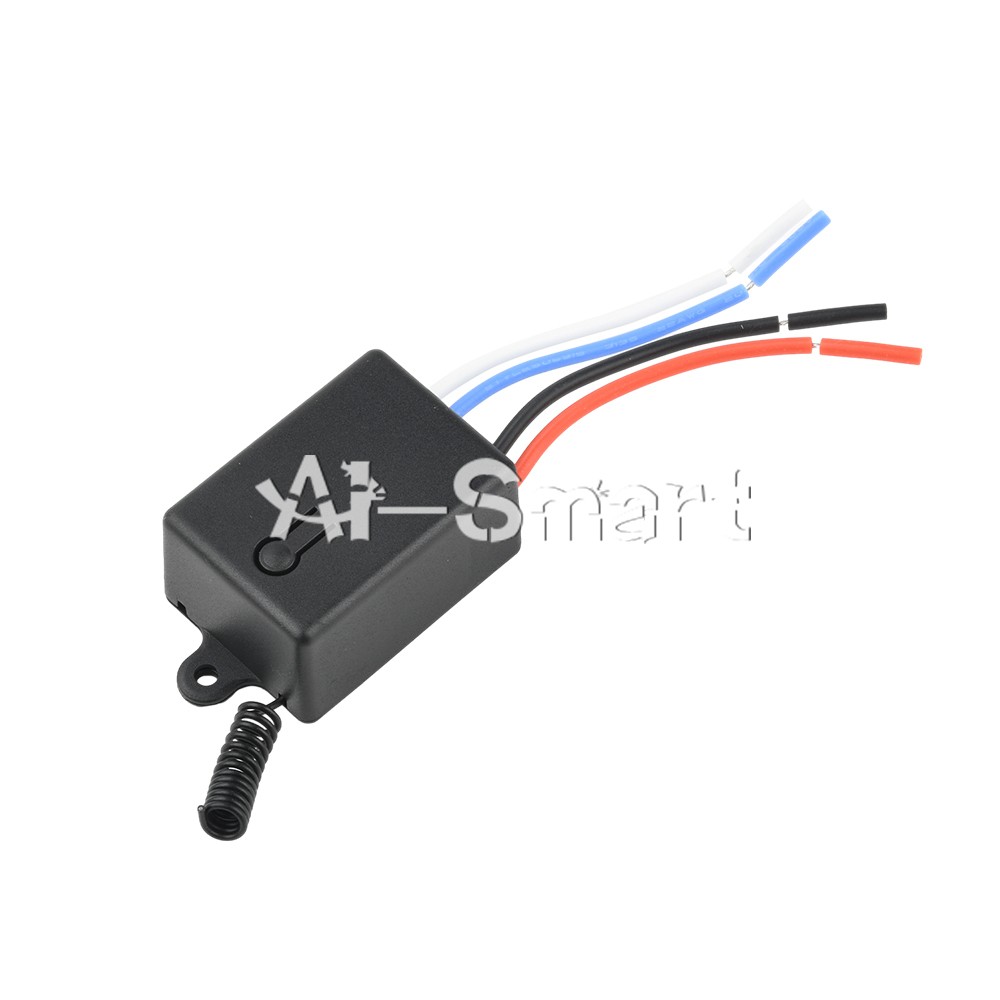
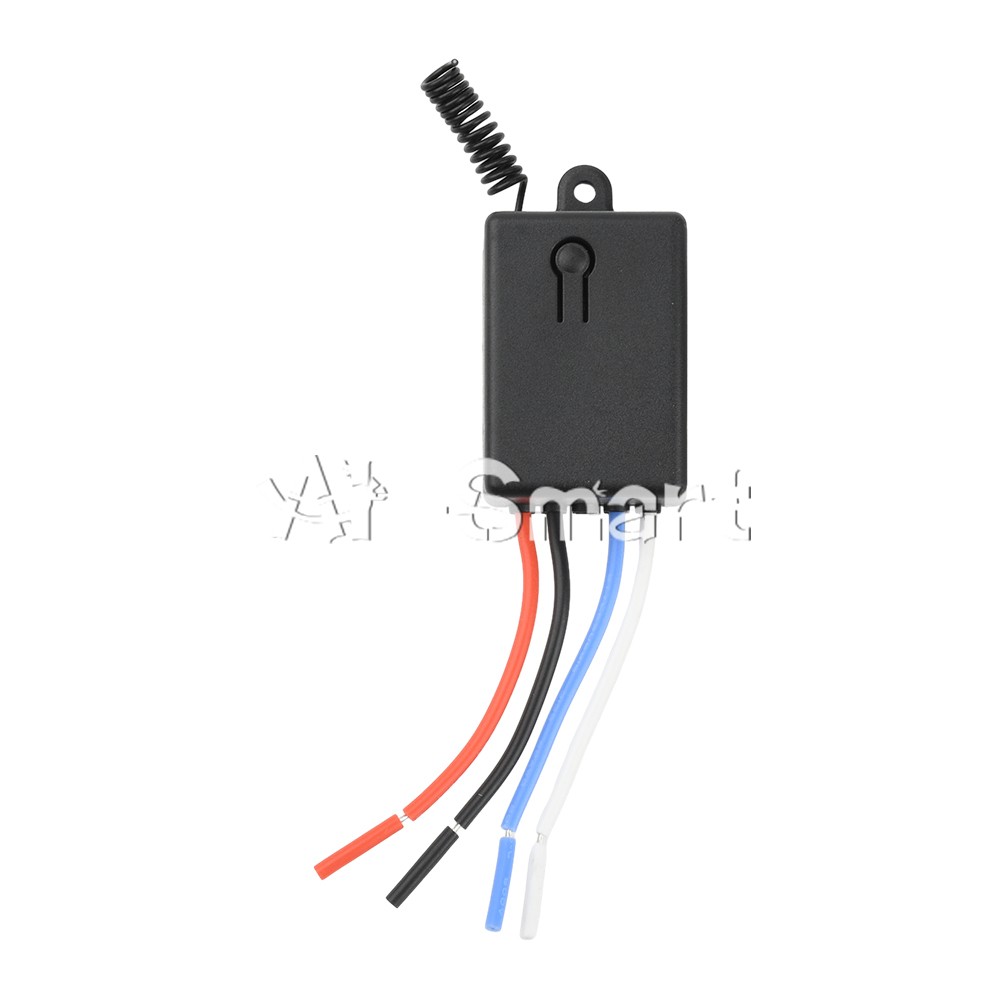
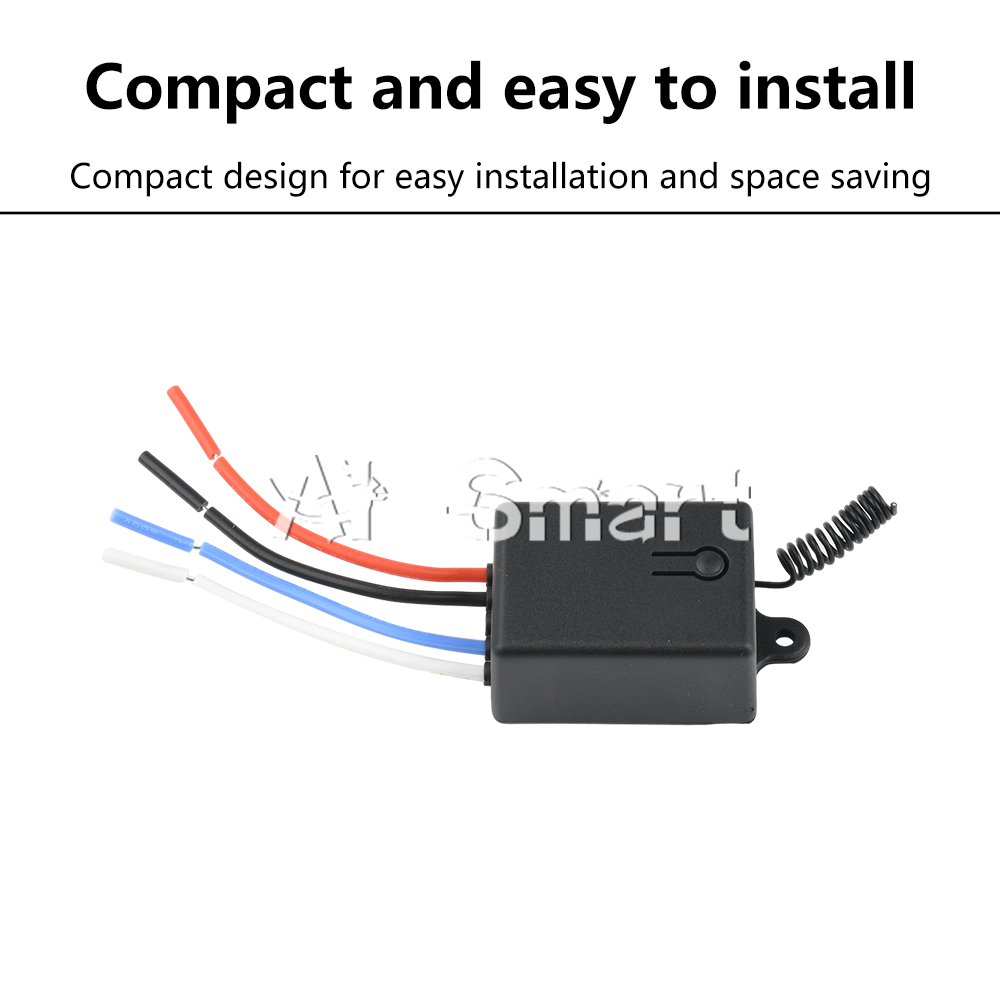
1. Compact and easy to install: Compact design, easy to install, saves space
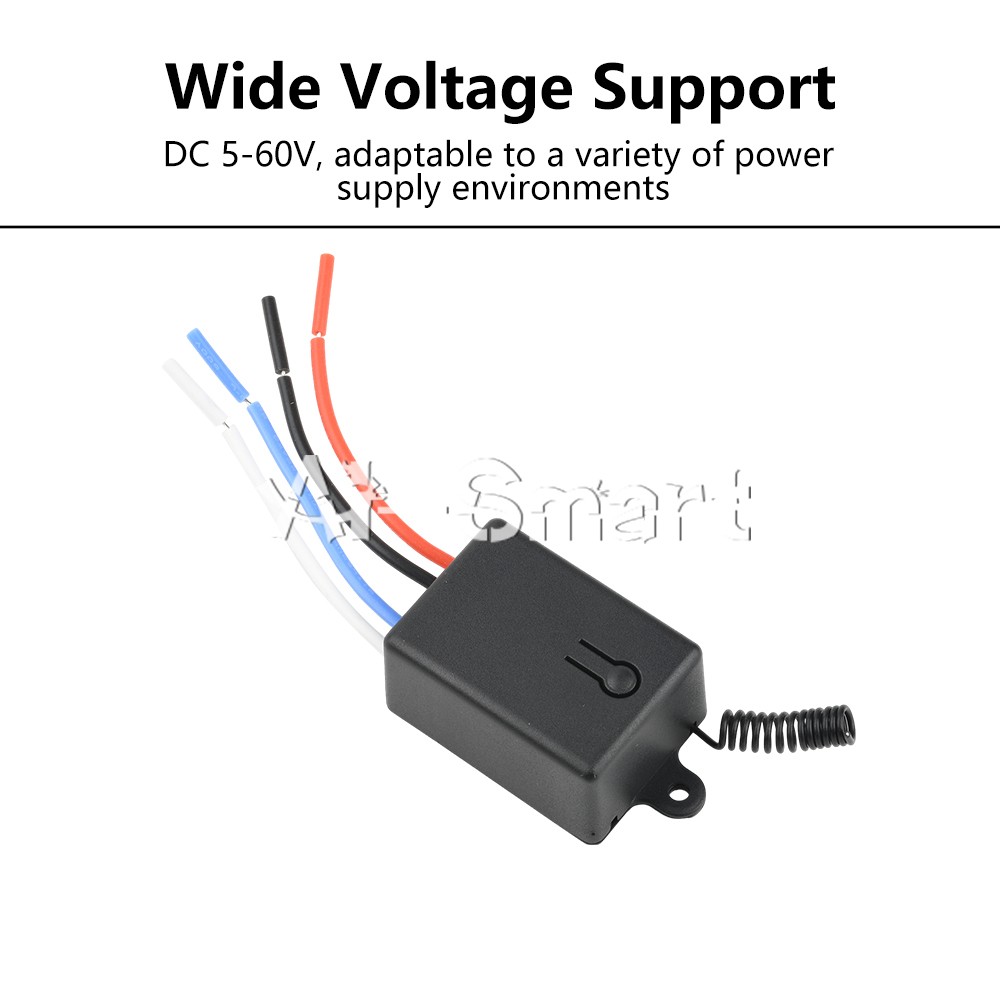
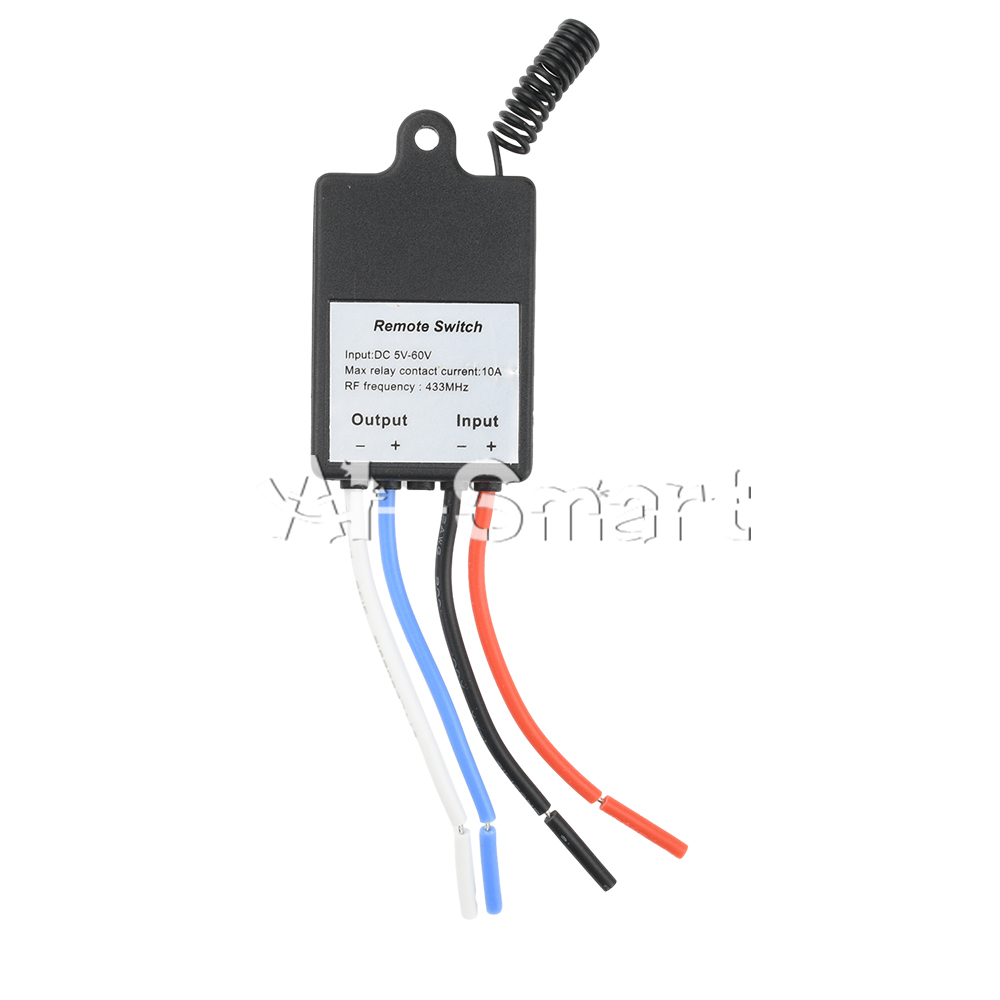
2. Wide voltage support: DC 5-60V, suitable for various power environments
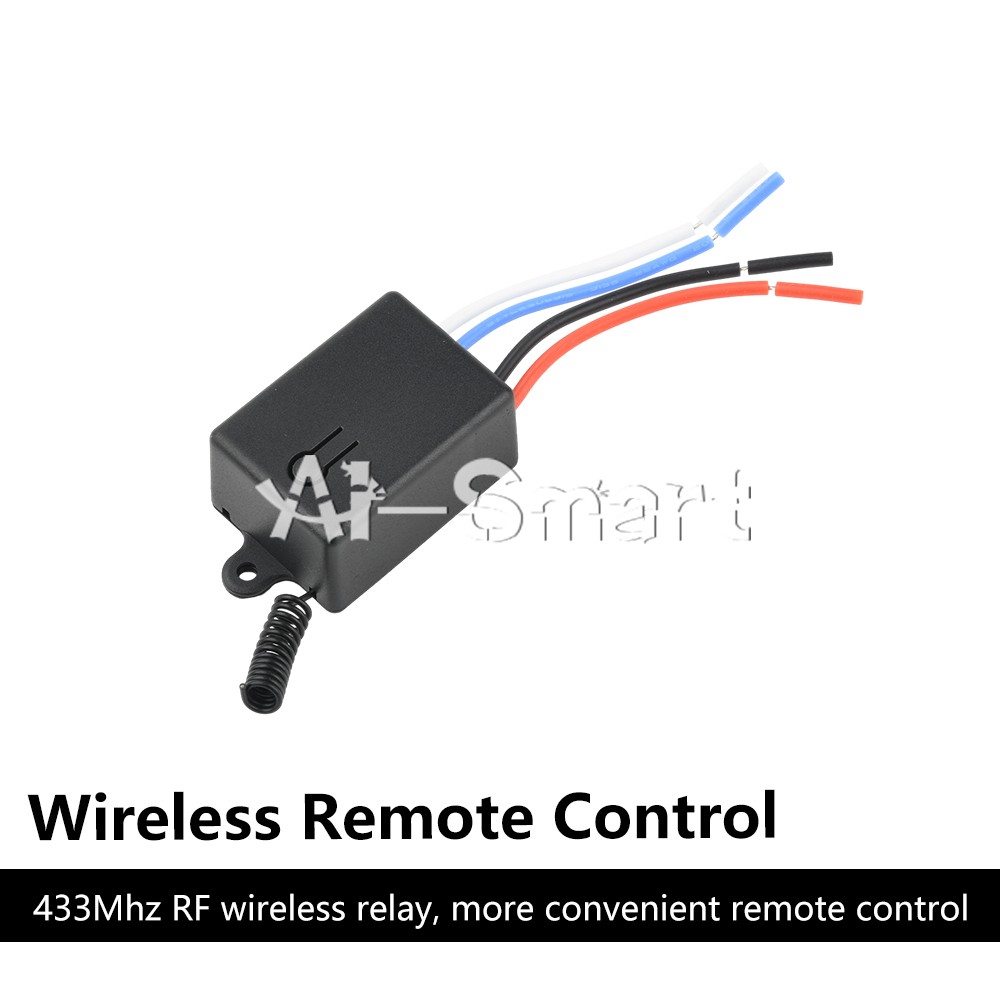
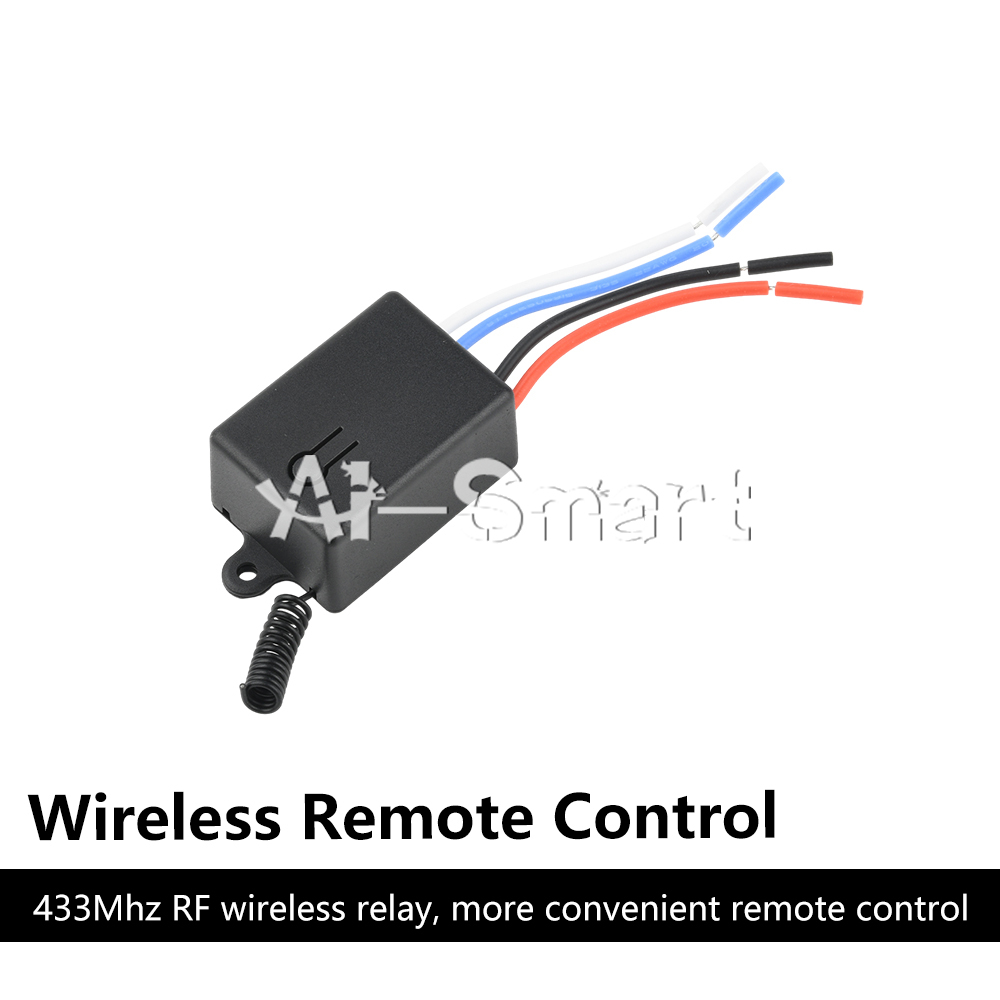
3. Wireless remote control: 433MHz RF wireless relay, making remote control more convenient
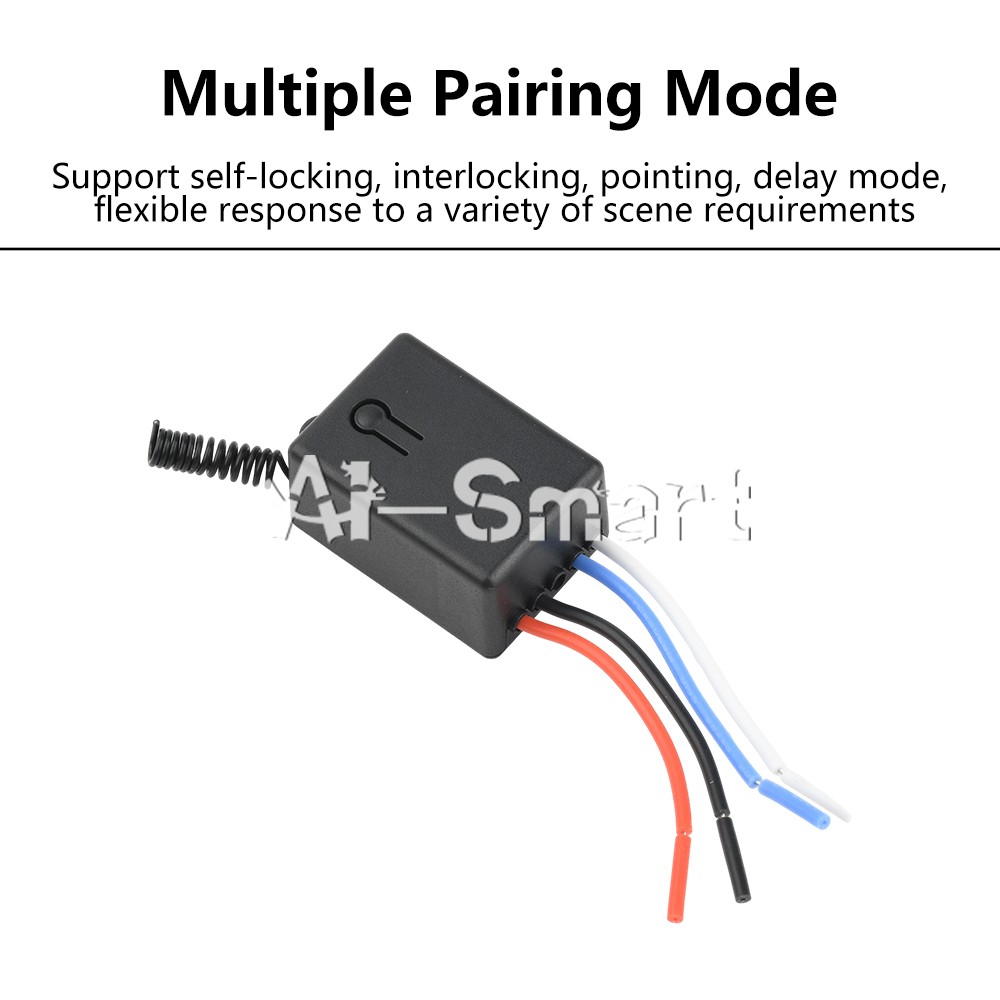
4. Multi pairing mode: supports self-locking, interlocking, jog, and delay modes, flexibly responding to various scene requirements
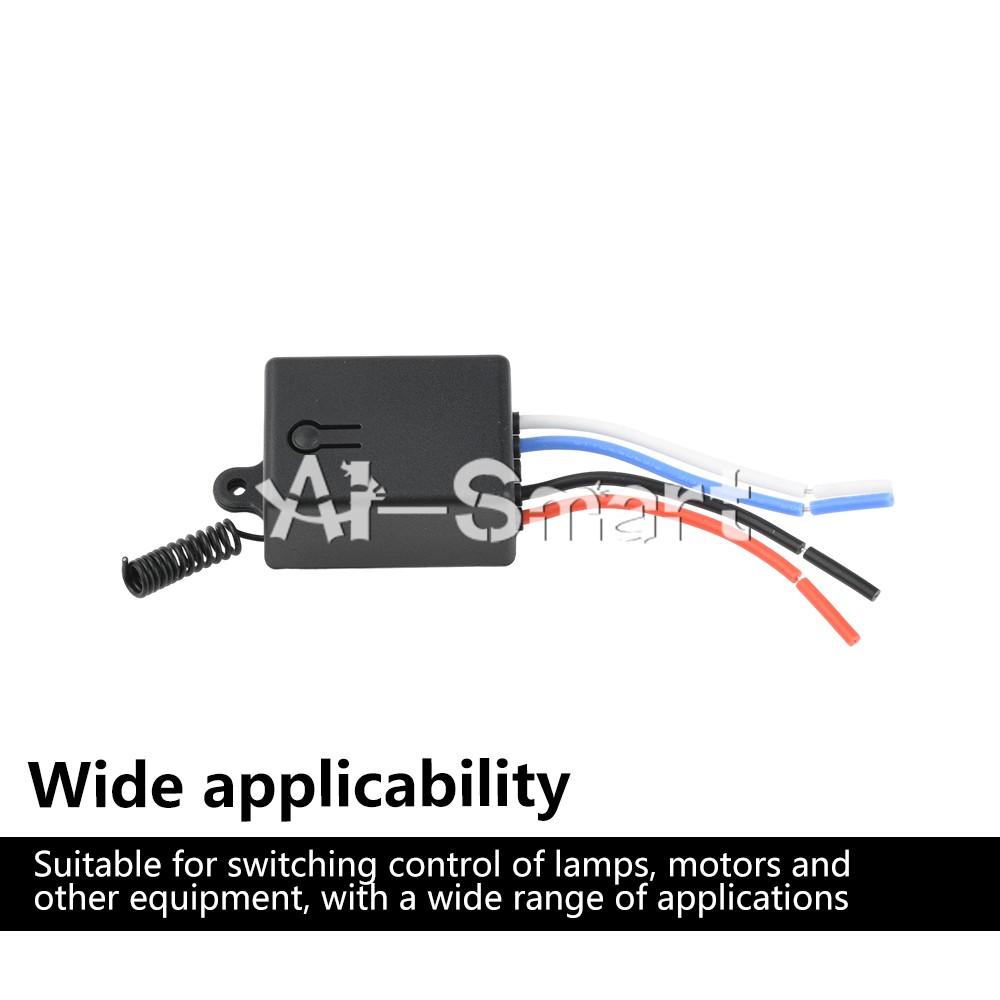
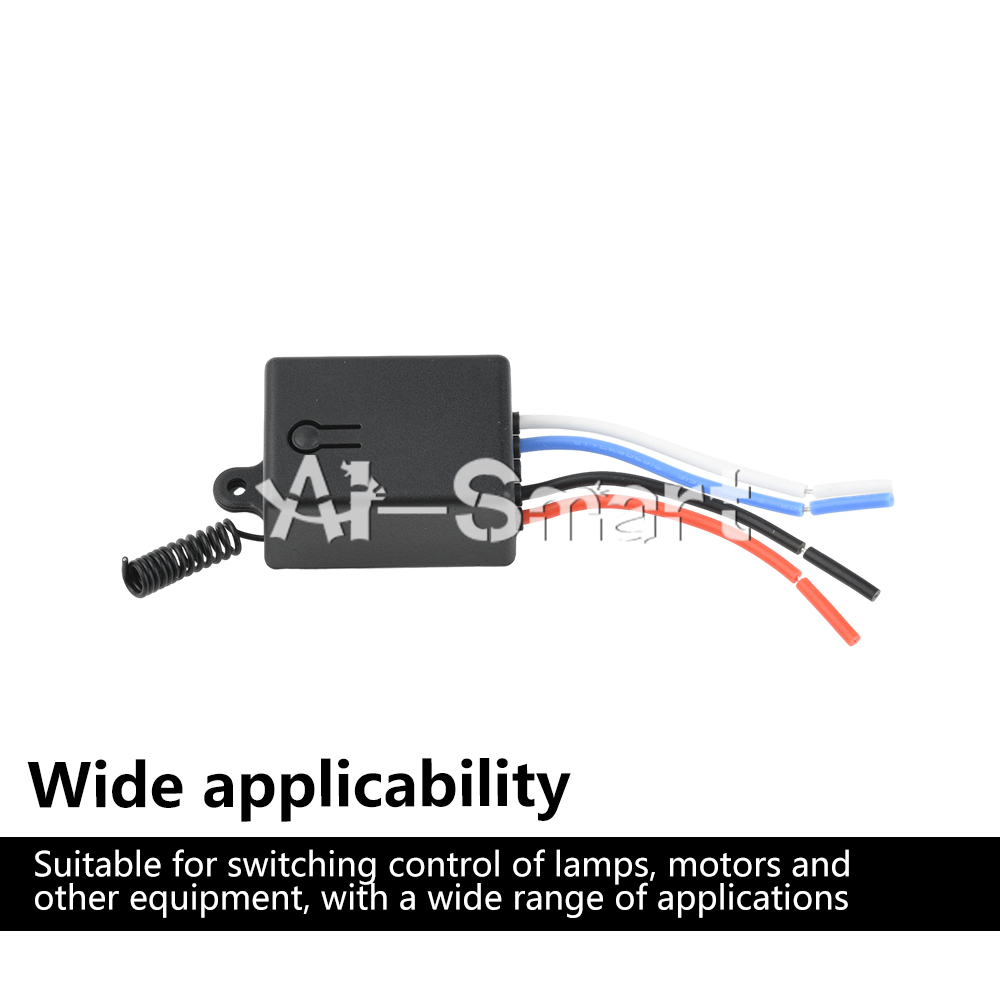
5. Wide applicability: Suitable for switch control of lighting fixtures, motors and other equipment, with a wide range of applications
Parameters:
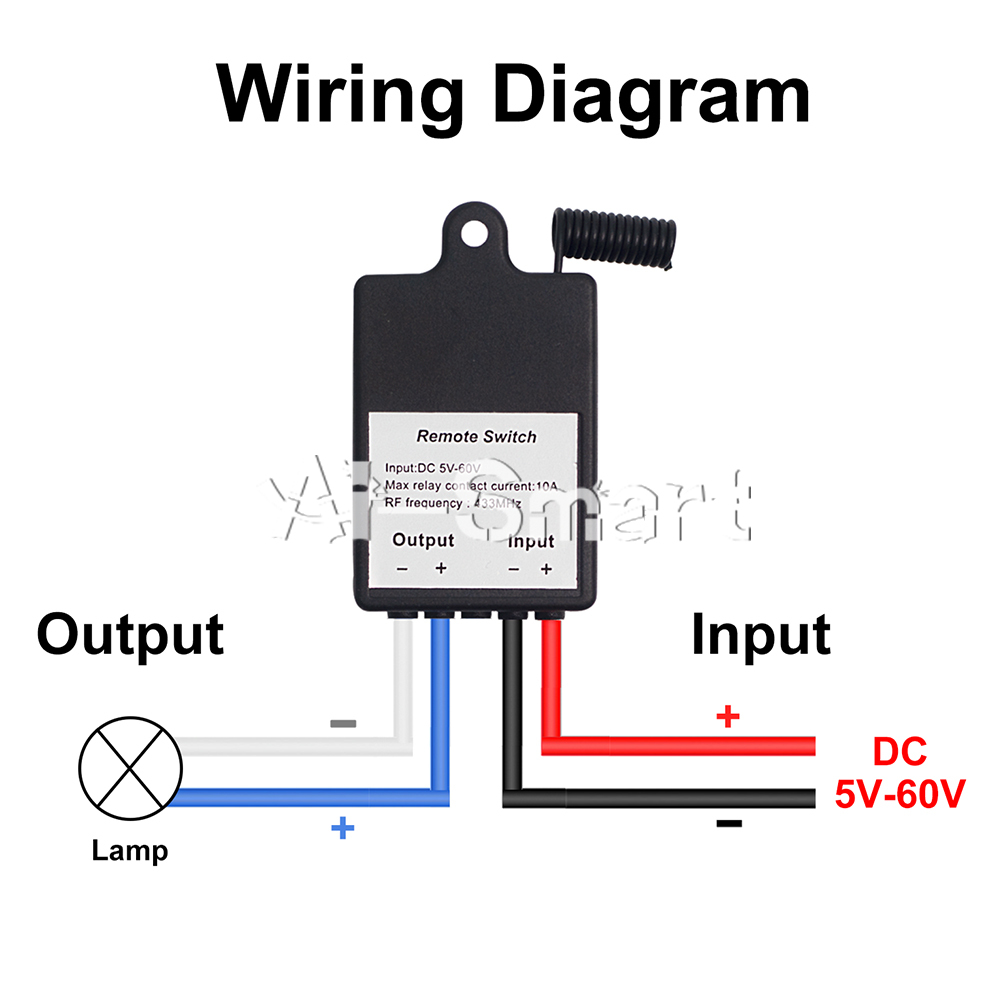
Working voltage: DC 5-60V
Maximum relay contact current: 10A
Frequency: 433MHz
Control mode: remote control
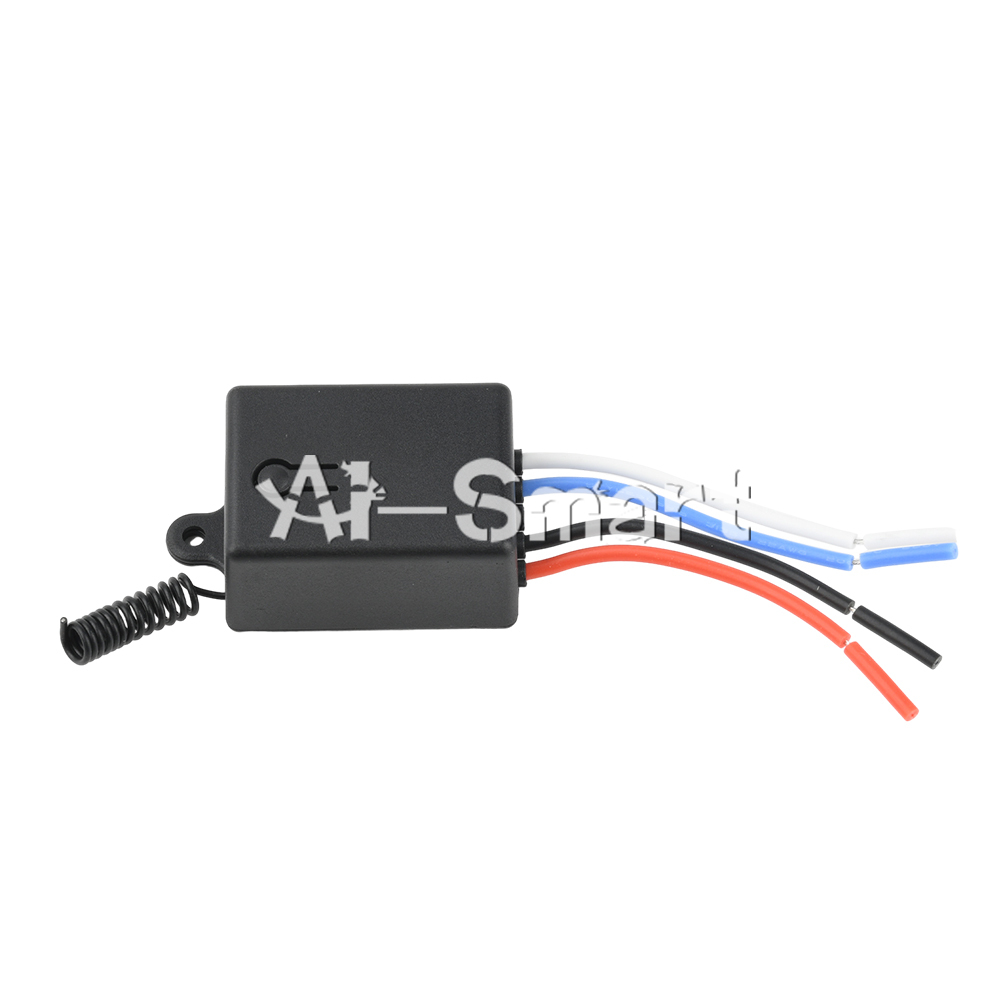
Product size: 40 * 29.4 * 21.3mm
Line length: approximately 6cm
1. Pairing instructions for self-locking mode
Self locking mode: The same button on the remote control can control the power on and off of the receiver output terminal. Press once to power on the receiver output terminal, and press again to power off the receiver output terminal.
Setting method: Press the receiver button twice in a row, the receiver indicator light will remain on, and the receiver will enter the pairing state. Then press the button on the remote control, and the indicator light will turn off after successful pairing.
2. Interlocking mode pairing instructions
Interlock mode: The two buttons on the remote control respectively control the power on and power-off of the receiver output terminal. One button can only control the power on of the receiver output terminal, while the other button can only control the power-off of the receiver output terminal.
Setting method: Press the receiver button three times in a row, and the indicator light of the receiver will remain on. The receiver will enter the pairing state. Then press the button on the remote control, and the indicator light of the receiver will flash and remain on. Long press the other button on the remote control, and the indicator light will turn off after successful pairing.
3. Pairing instructions for jog mode
Tap mode: Press and hold a button on the remote control to power on the output of the receiver, and release it to power off the output of the receiver.
Setting method: Press the receiver button once, the receiver indicator light will remain on, and the receiver will enter the pairing state. Then press the button on the remote control, and the indicator light will turn off after successful pairing.
4. Delay mode setting instructions
Delay mode: Press the button on the remote control, power on the output terminal of the receiver for a certain period of time (5s/10s/15s/20s), and then power off the output terminal of the receiver.
Setting method: Press the receiver button a certain number of times (4 times corresponds to 5s/5 times corresponds to 10s/6 times corresponds to 15s/7 times corresponds to 20s), the receiver indicator light will remain on, and the receiver will enter the pairing state. Then press the button on the remote control, and the indicator light will turn off after successful pairing.
5. Reset setting instructions
After pressing the receiver button continuously for 8 times, the indicator light flashes, the output terminal of the receiver is powered off, and all remote control data in its memory is cleared and restored to power on and power-off.
Packing list:
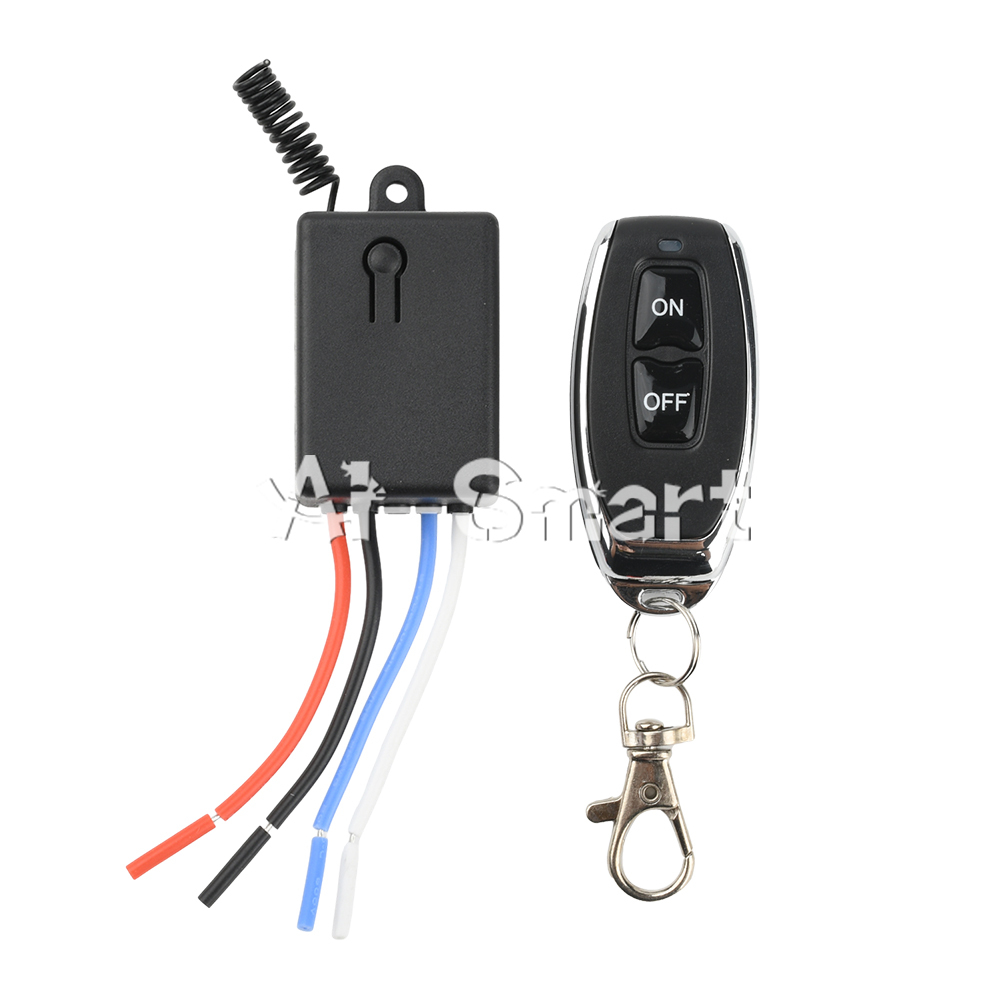
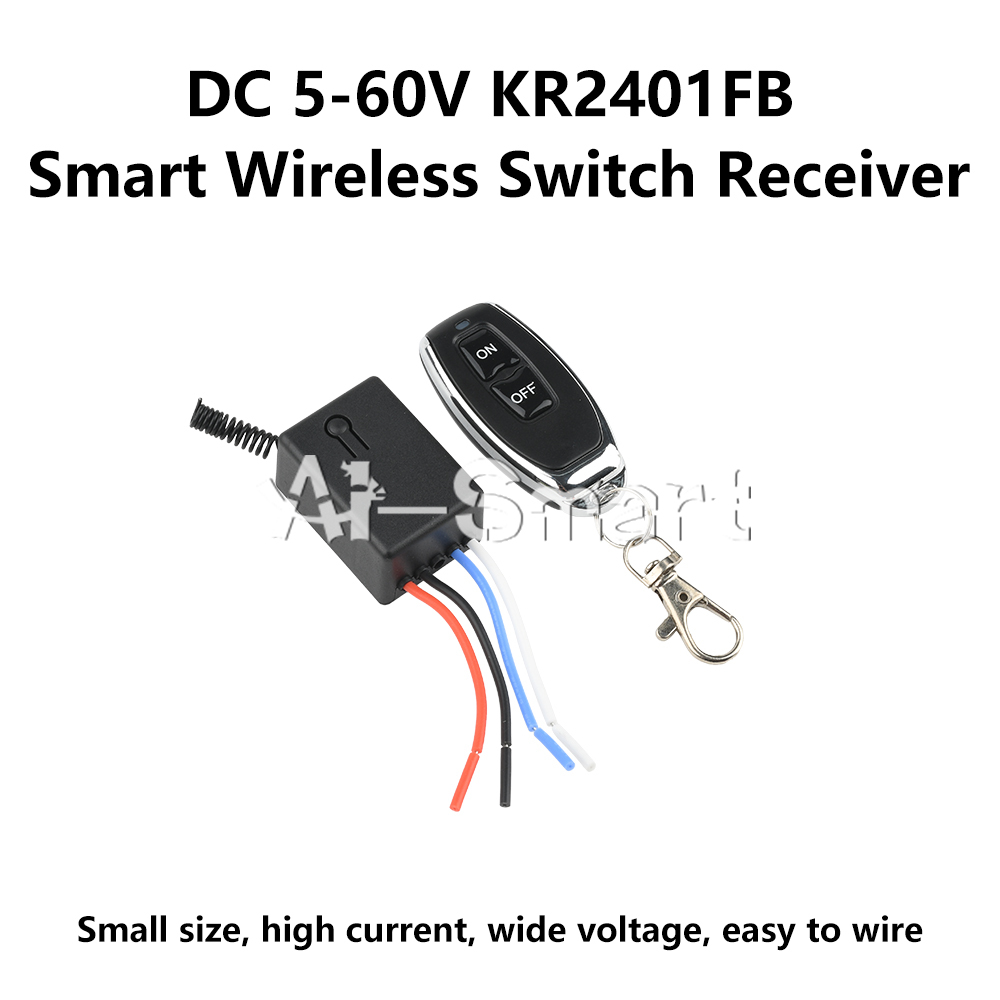
Receiver * 1
Remote control * 1