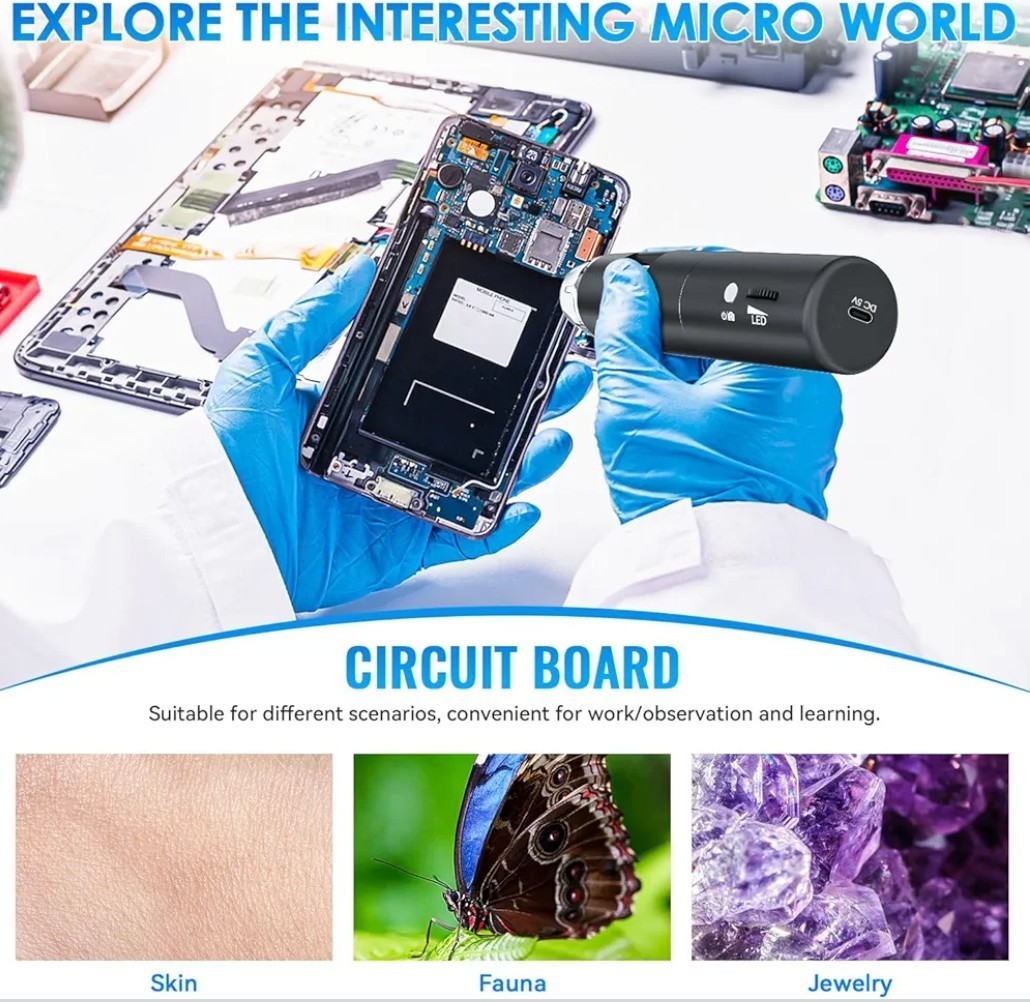
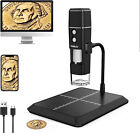
【WiFi & USB Microscope】This is a wireless handheld digital microscope that has been designed to work with your mobile Android or iOS device (open your device’s WiFi to connect to the microscope's WiFi hotspot), also compatible with Windows or Mac computers (via USB cable)
【8 Adjustable LED Lights】The microscope camera has 8 adjustable LED lights that provide excellent detail and optimal clarity, allowing you to capture digital images at 1920x1080 resolution. 1080P HD picture quality for the smartphone, 720P for the computer
【One-Button Photo/Video Capture】Simply tap the camera button on the device or trigger via the app to instantly take a photo or record a video. This WiFi handheld digital microscope, equipped with a 2MP HD CMOS sensor, transmits the captured images or videos directly to your smartphone
【Portable Microscope 】Lightweight and small size are convenient for taking them with you everywhere. Easy to operate, allows you to take it on your trips for children to study plants, minerals, insects, or have fun outdoor activities. This electronic microscope is more of a fixed focus magnifying glass, not a traditional microscope, Not suitable for professional serious biologists!
【Optimal Focal Length Range】3-60 mm. To ensure image sharpness, please ensure that the distance between the microscope lens and the object being observed is maintained within the range of 3-60 mm.
【Great Compatibility】The handheld digital zoom microscope magnifier included user-friendly software compatible with Windows XP/Vista/7/8, Mac & software, and tools for multiple purposes. ⚠️ Connectivity is crucial: 1. Please remove the plastic protective film before use! 2. Camera access to device settings For Win10/Mac: Disable the built-in camera in System Preferences 3. Please visit max-see.com to download the latest application update Please ensure you download the latest version of the application from the [App Store link]/[Google Play link] for optimal performance. Older versions may experience connectivity issues.
【WIFI Connection for Android and IOS 】1.Download the software “Max-see” from Google Play or APP Store. 2. Long press the power button to turn on the microscope. 3. Connect the wifi “Max-see”(no password) which emits from the microscope. 4. Run the app and it is easy to use.Note:The "+", "-", and "Take Photo" function keys only work in WIFI connection situations. It is not supported to use when connecting to a computer for operation.
【USB Connection for PC】1. For win7/8, please downloading an "AMCap" to start using. 2. For win 10, you can directly plug into the USB port and search CAMERA in WINDOWS to find it and click. 3. For MacBook, please use Macbooks’bundled software Photo Booth or Quick Time Player directly. 4. Note: Please disable the default laptop camera in Windows! And you have to change your privacy settings for the camera, which needed to be changed to permit acces
Similar Listings
Handheld WiFi 50-1000X Magnification USB Digital Microscope Wireless with Stand
TOMLOV Digital Microscope Coin Microscope 50-1000X Magnification Handheld USB
Wireless Digital Microscope,50X-1000X Magnification Wifi Portable Adjustable
1000X Handheld Digital Microscope : Pocket Microscope with 2.4" IPS Scre
Wireless Digital Microscope, 50X-1000X Magnification Wifi Portable Handheld Mic
Wireless Digital Microscope, 50X-1000X Magnification Wifi Portable Handheld Mic
4.3" LCD Digital Microscope 2MP 1080P HD 1000X USB PCB Coin Jewelry Repair Tool
Elikliv Digital Microscope 1000X USB Coin Microscope 4.3" LCD Screen Soldering